Picture Studio
Describe the picture. Keep the ones you like.
Describe a picture and get up to four options. Ask for changes in words. Branded pictures and carousels are drawn in your colours, all kept in one library.
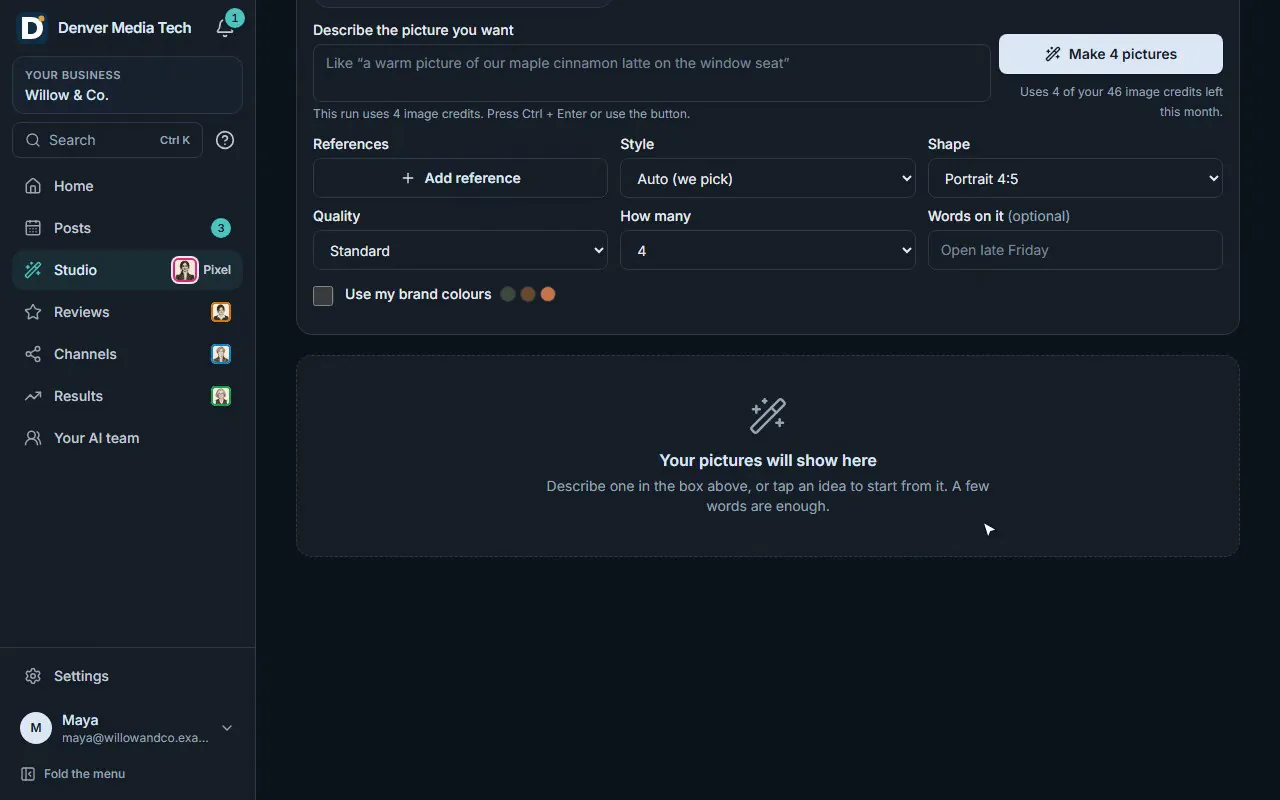
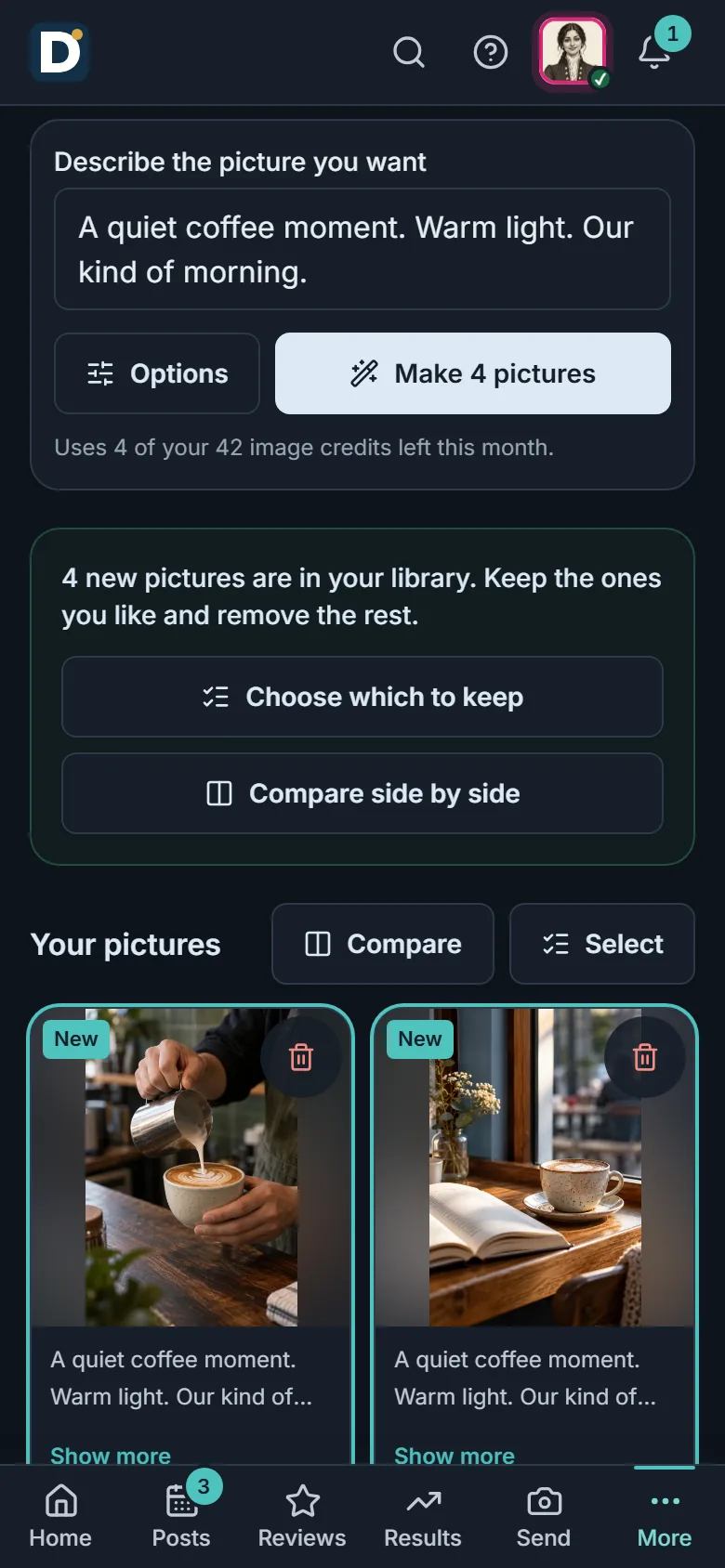
Real product, sample data.
What it does
From one sentence to the picture on your post.
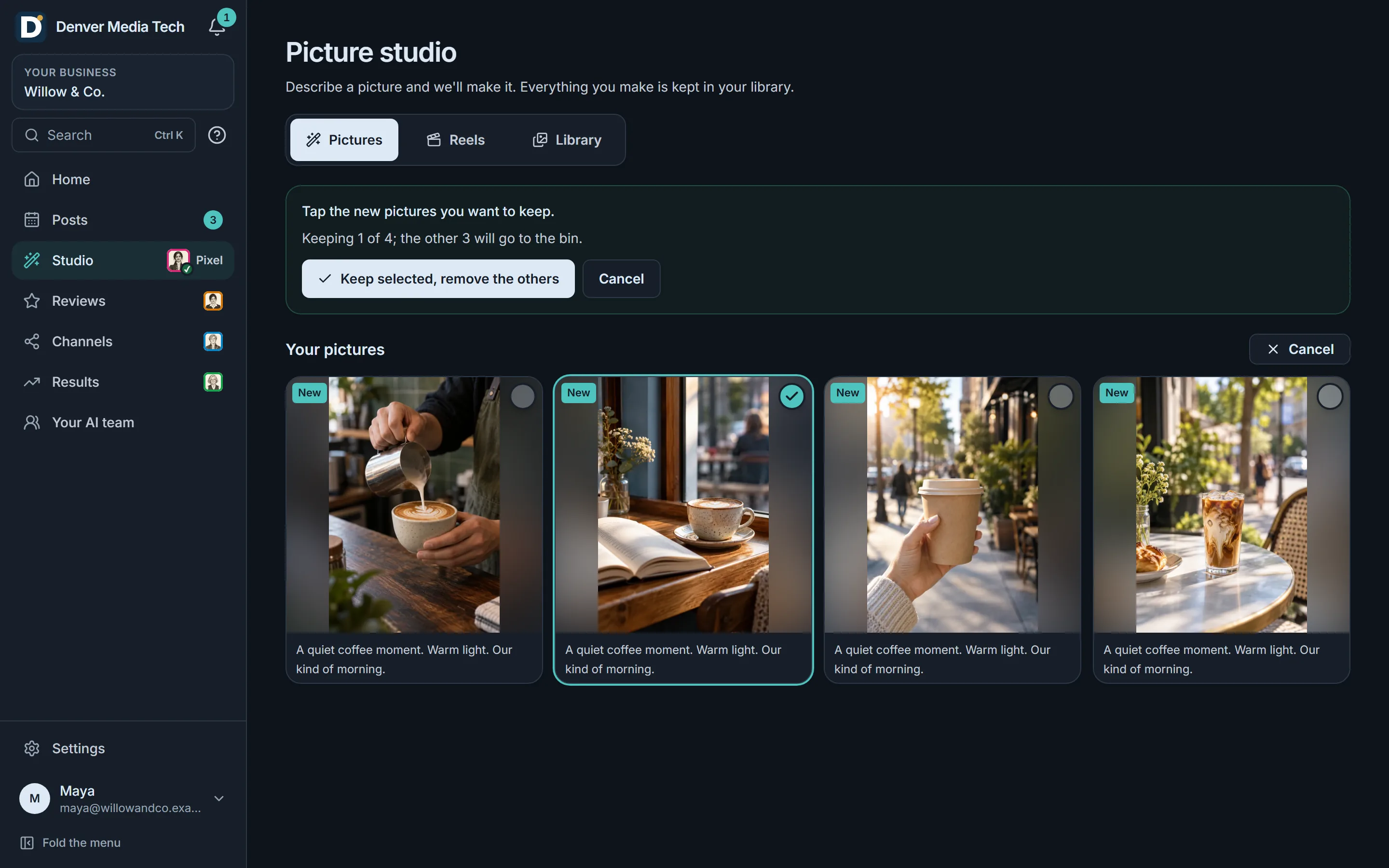
Describe it, then choose
- Say what you want in plain words. Studio makes one to four pictures.
- Pick the shape, the style and the quality, and add your own photos as a guide.
- AI pictures use image credits: a Standard picture uses 1, a High one 3.
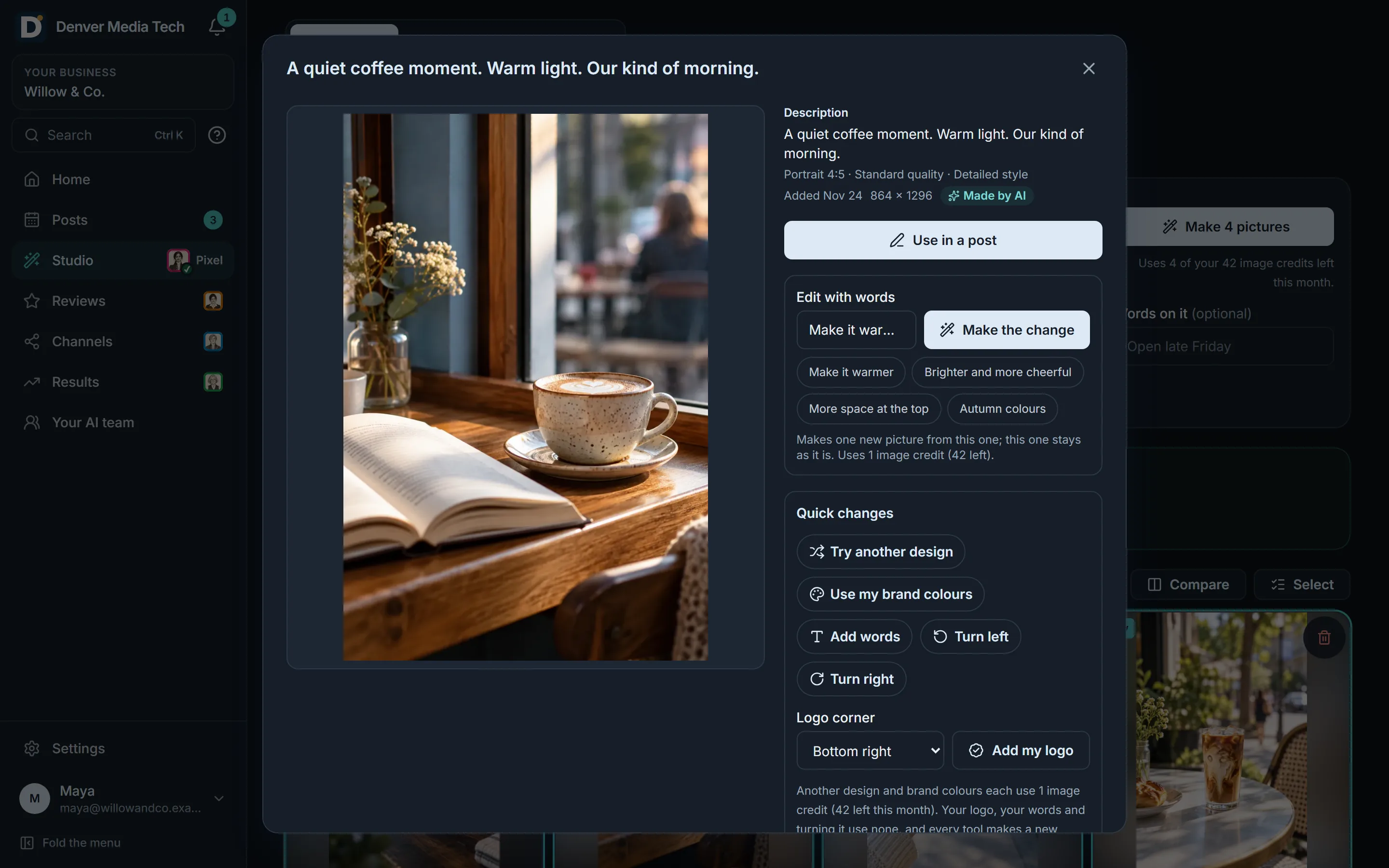
Ask for a change
- Say what to change: warmer, brighter, more room at the top.
- Each change makes a new picture and keeps the one you started from.
- Adding your logo or your own words uses no credits.
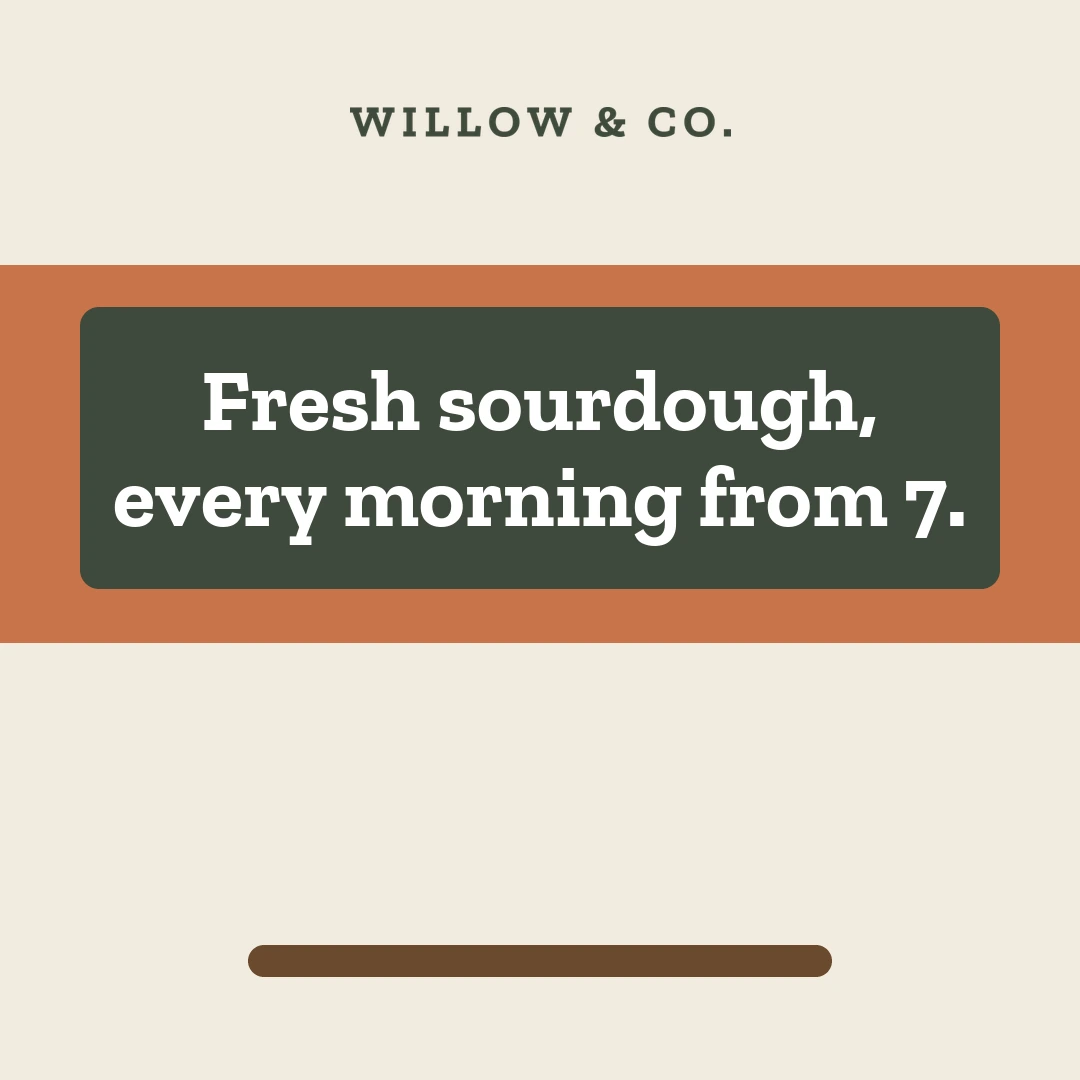 Words on a colour band
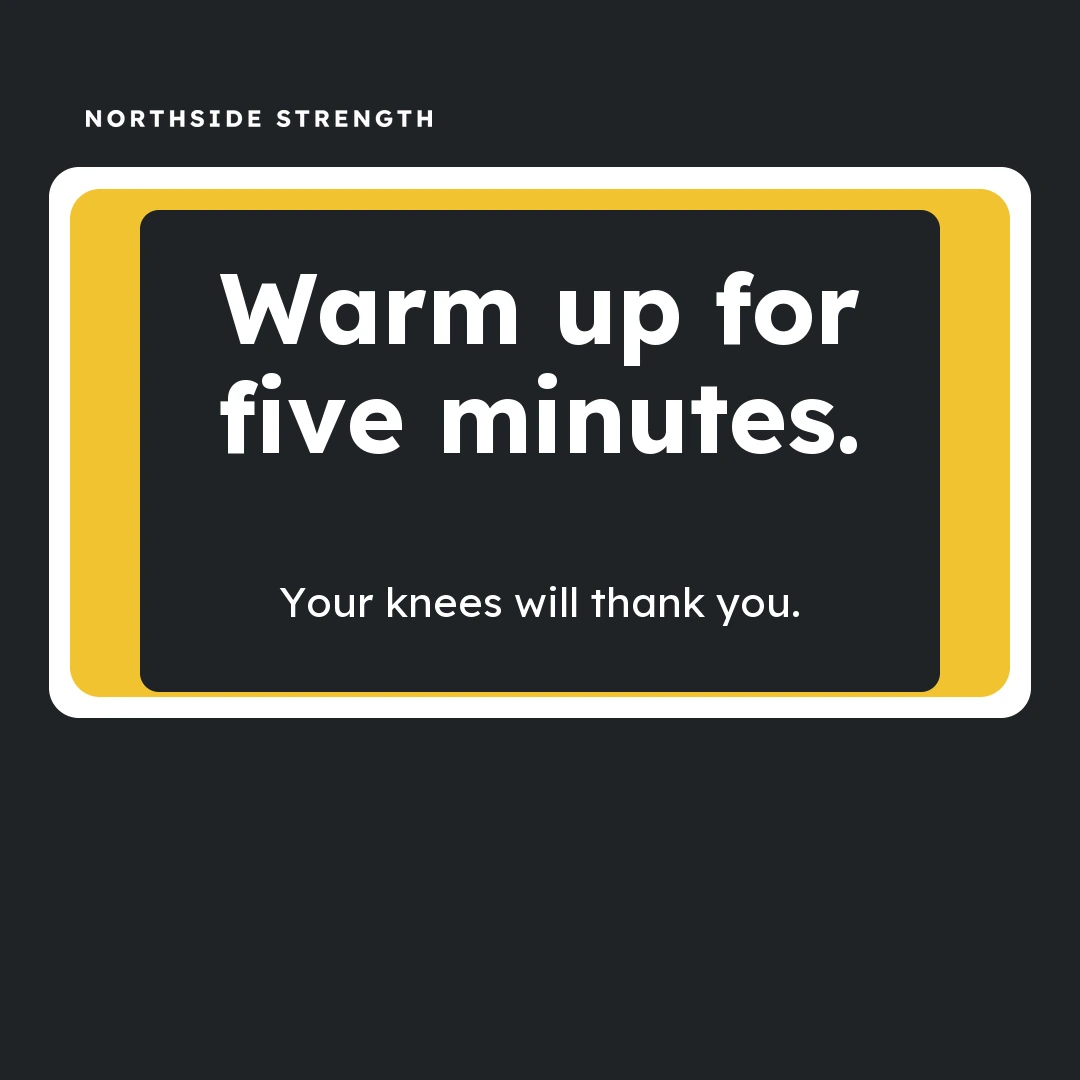 Words in a frame
 With a photo
Sample pictures for invented businesses. The photographs are AI-made. Branded pictures and carousels
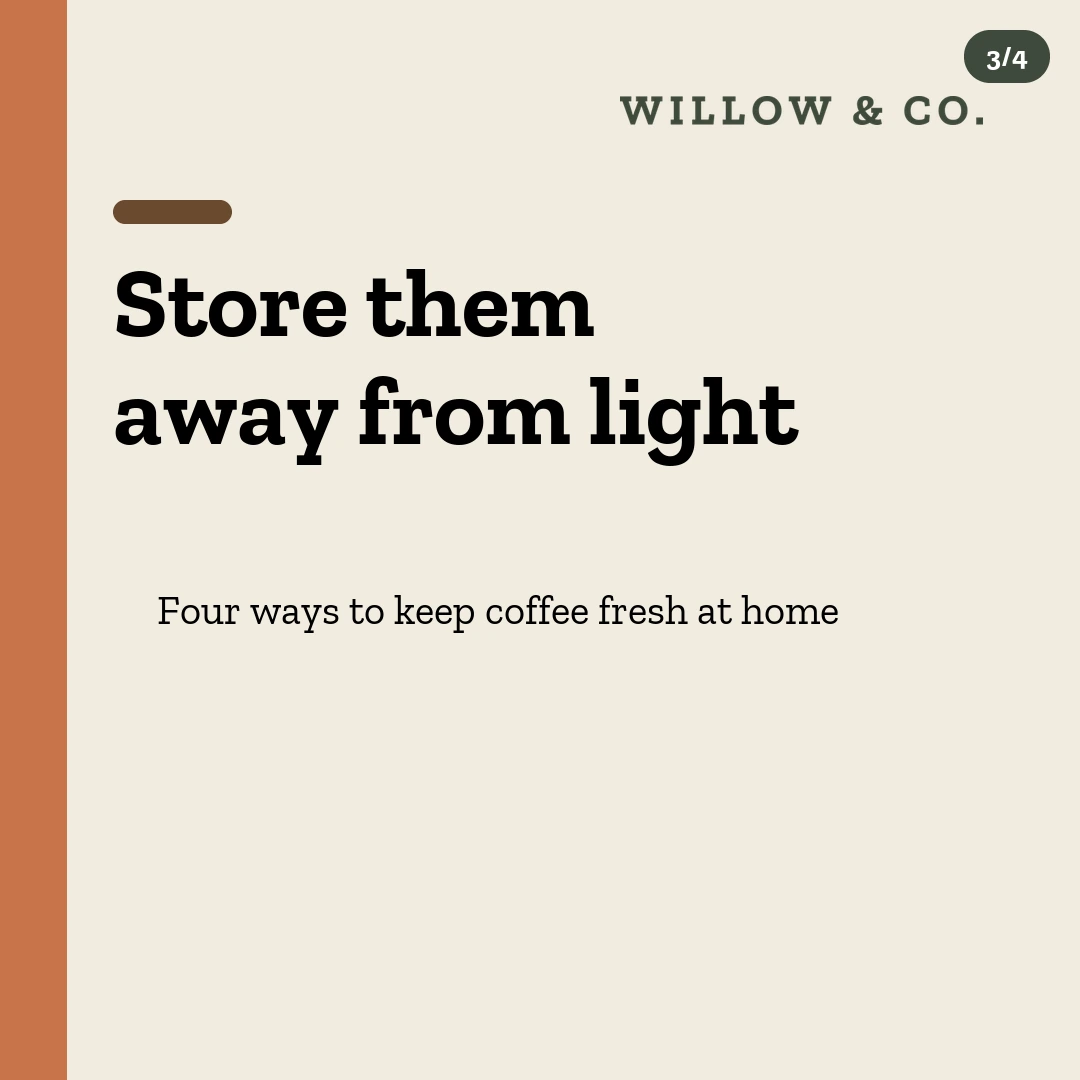
- Post pictures drawn with your words on them: on a colour band, in a frame, or over your photo.
- Carousels that take a tip one slide at a time.
- Drawn pictures use no image credits.
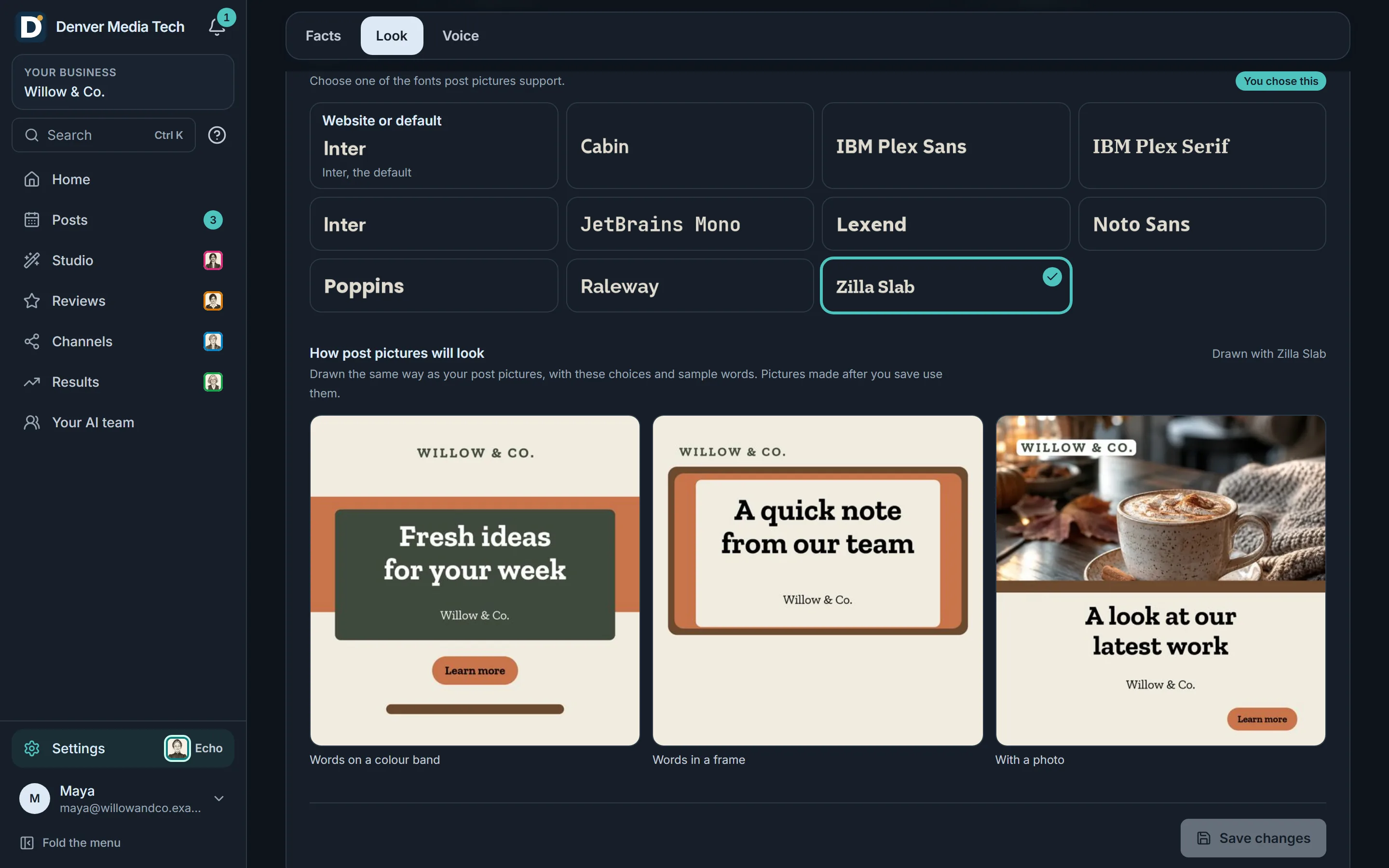
Your look, set once
- Choose your font, and every drawn picture uses it with your colours.
- See how post pictures will look before you save.
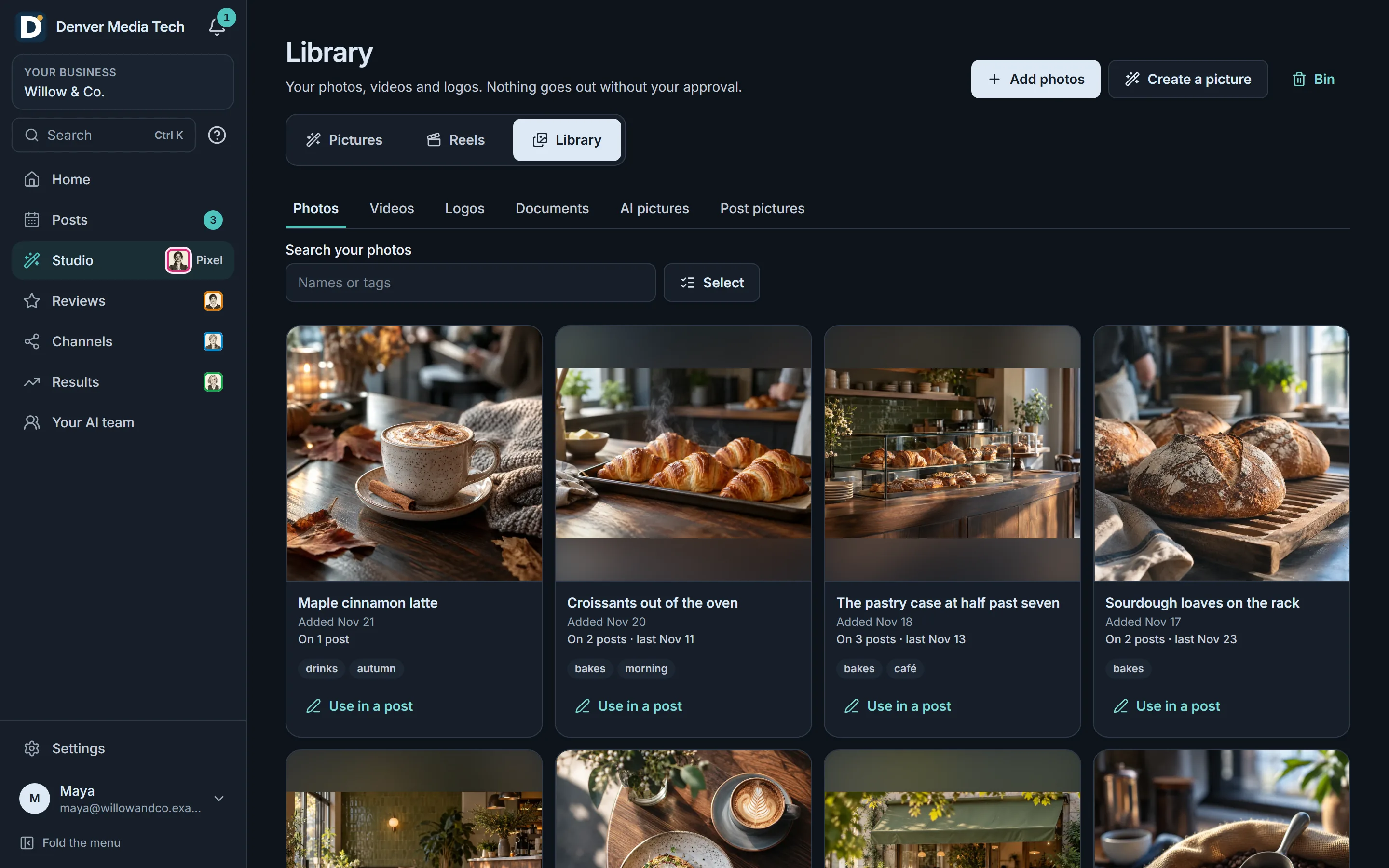
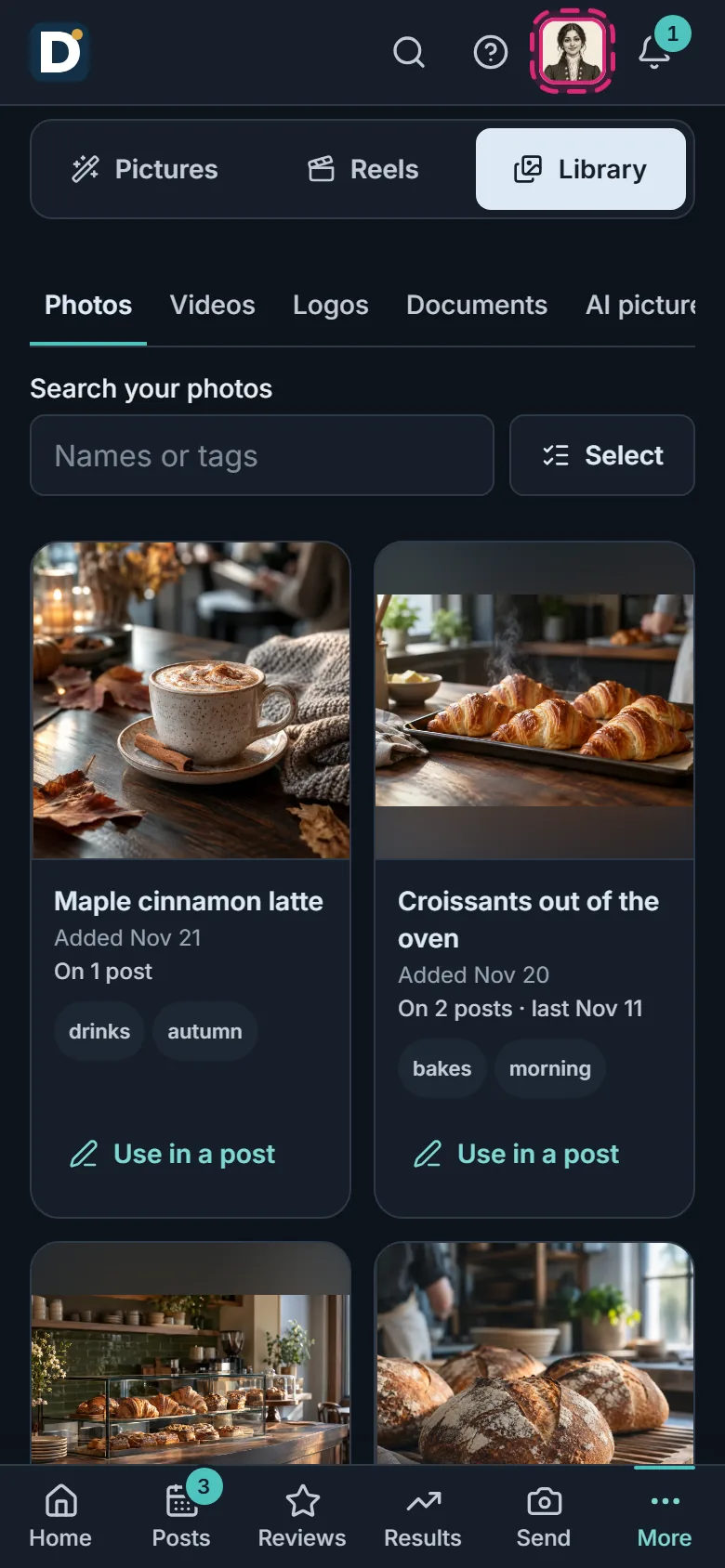
One library for all of it
- Your photos, videos and logos in one place, beside the pictures you make.
- Name, tag and search them, and see which posts use each one.



Any kind of business
A salon, a gym, a florist. Pictures that fit each one.
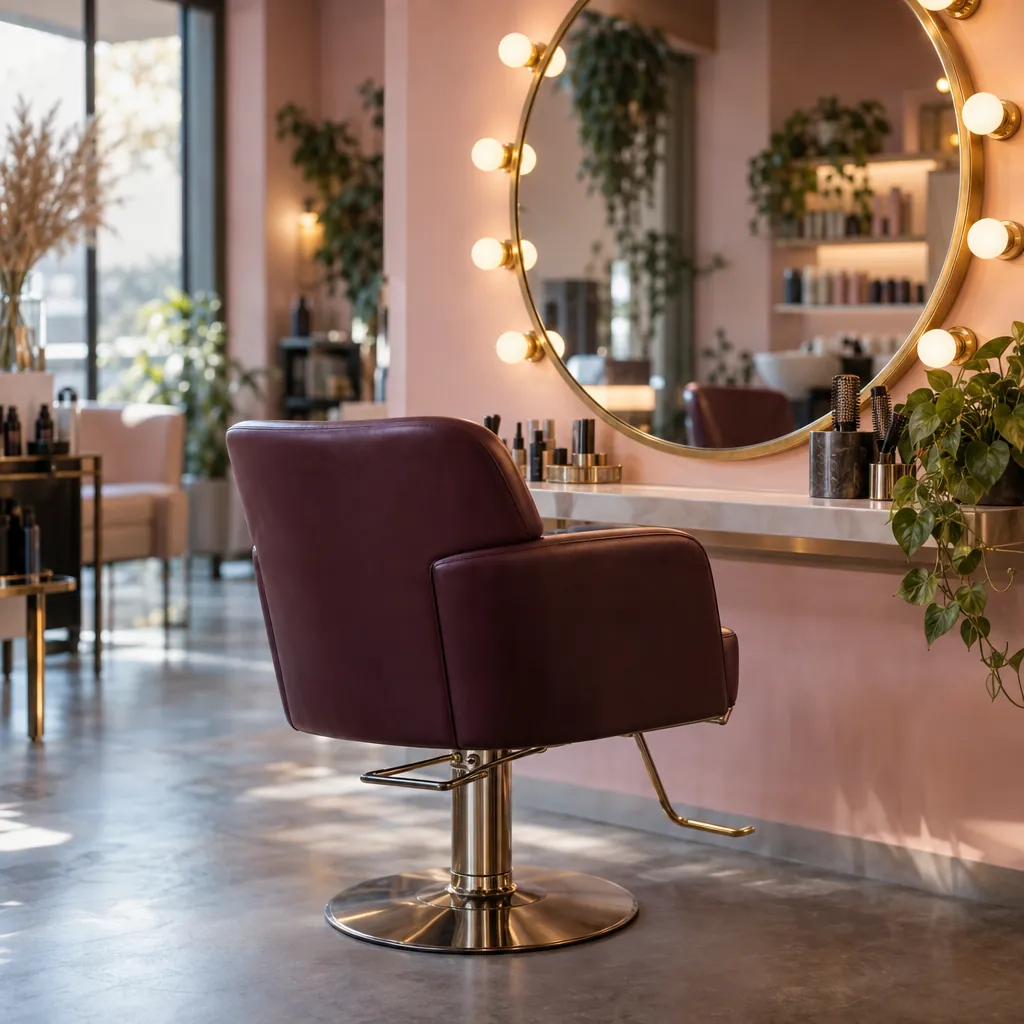
Luma Hair StudioHair salon 
Northside StrengthGym 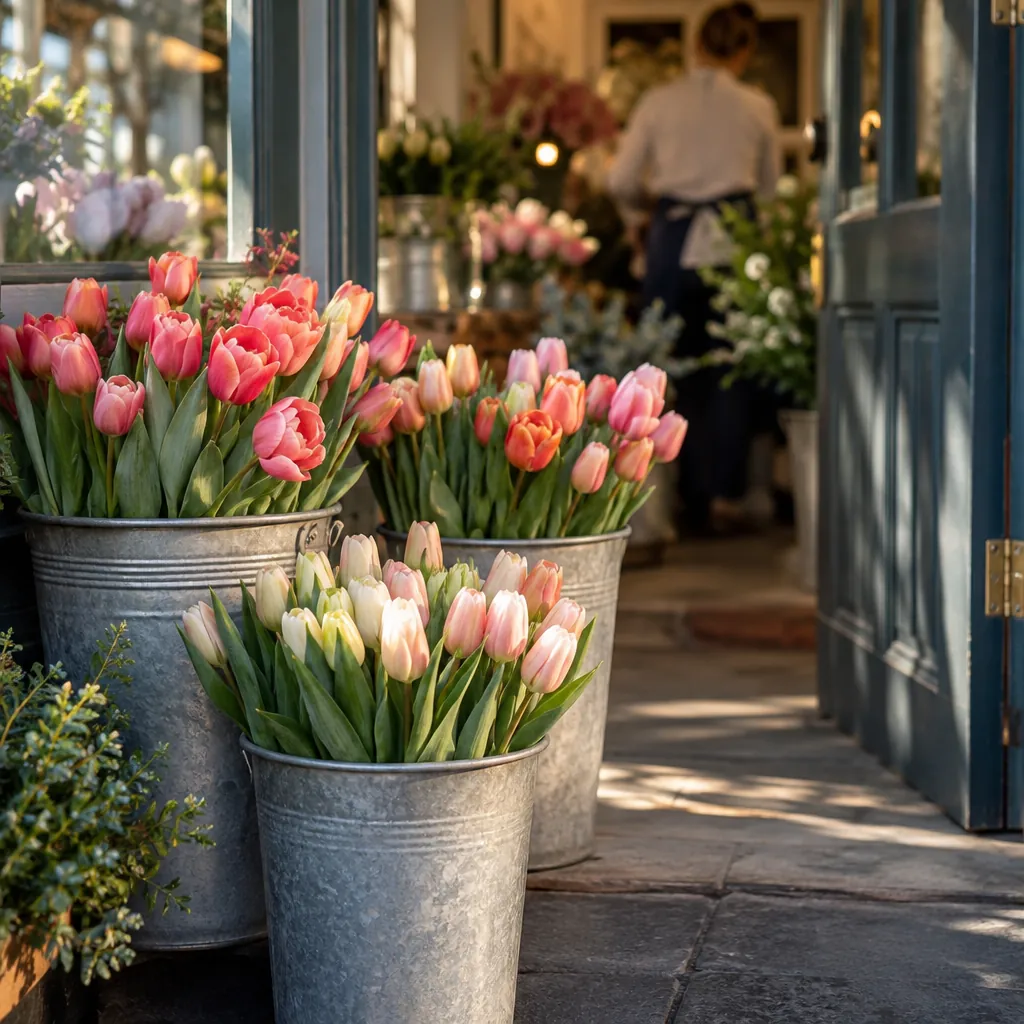
Petal & StemFlorist 
Brightside DentalDental practice 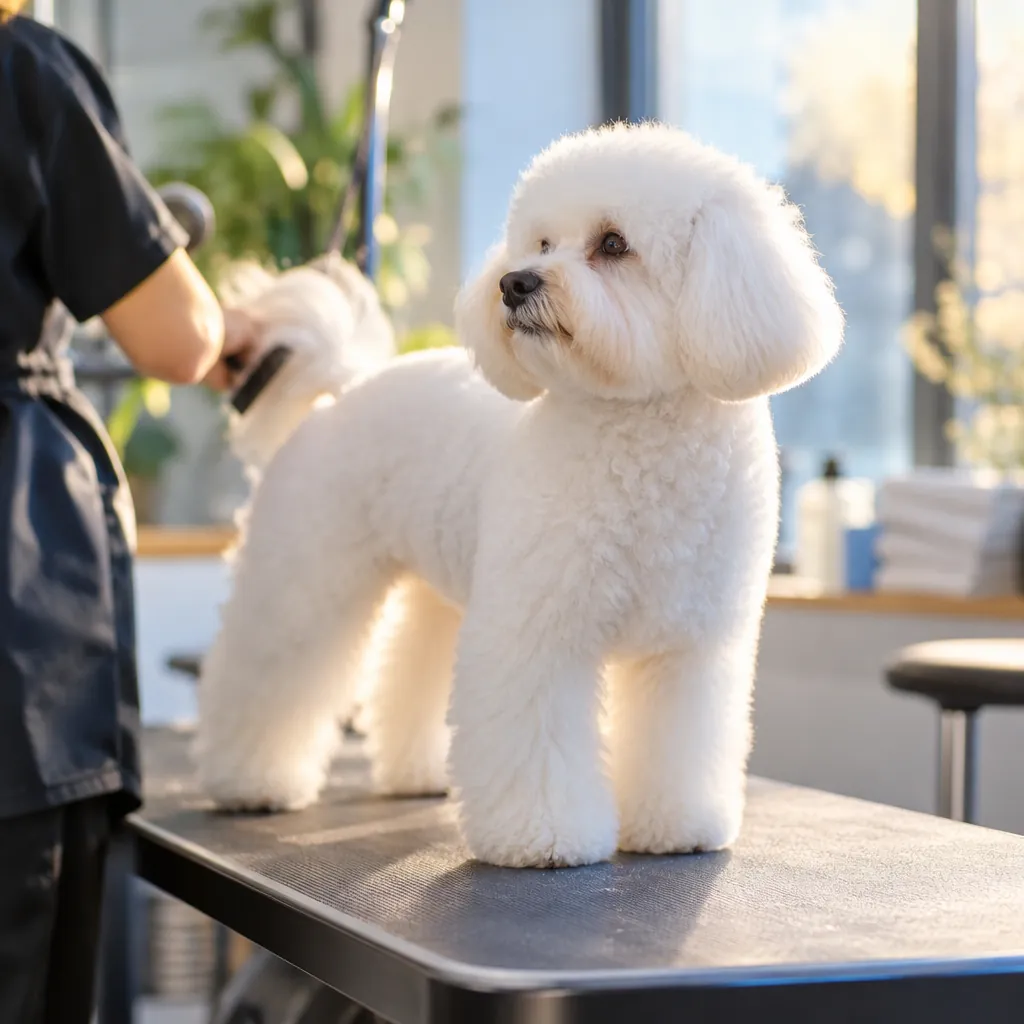
Paws & PolishPet groomer 
Harbor Home RepairHome services 
Maple Street RealtyReal estate 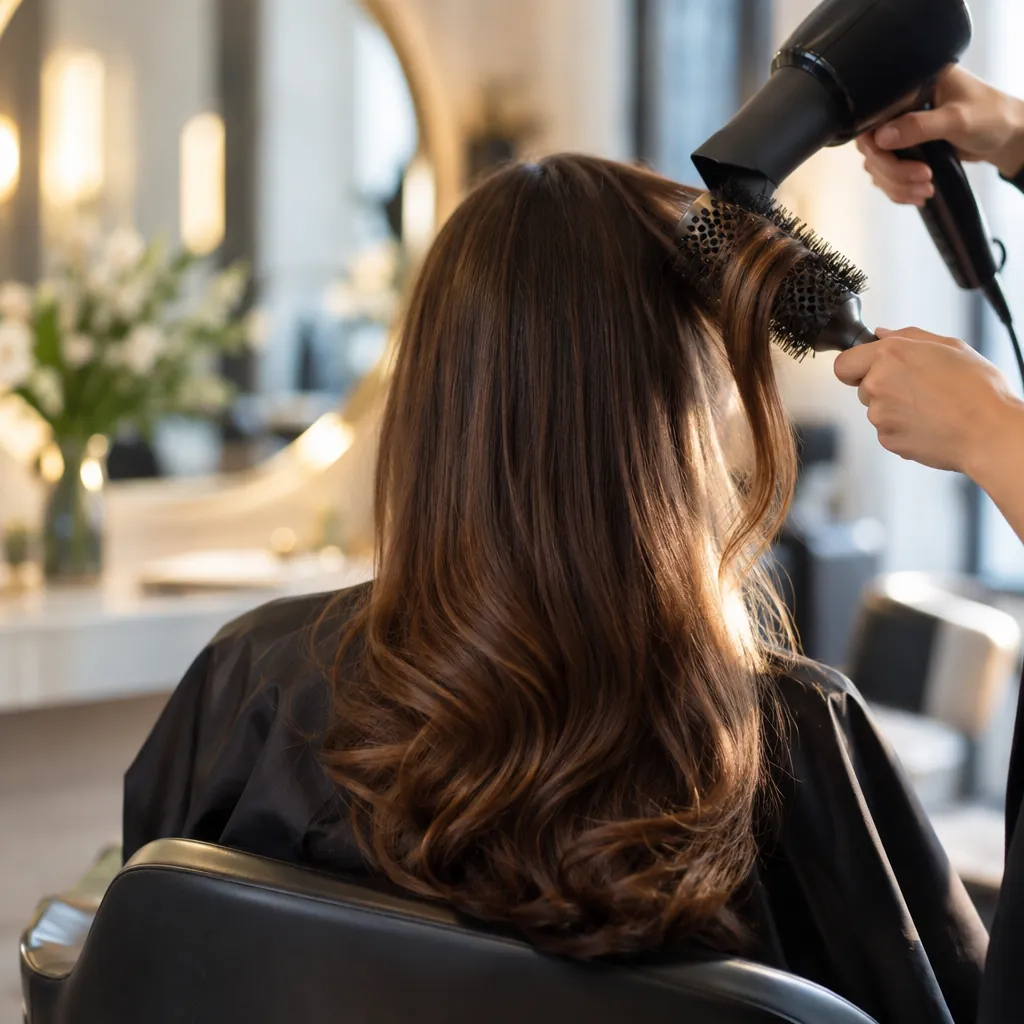
Luma Hair StudioHair salon 
Petal & StemFlorist
Sample pictures for invented businesses. The photographs are AI-made.
You stay in control
Pictures you make wait in your library. Nothing is posted from Studio: a picture goes out only on a post you approve. Before a request runs, Studio says how many image credits it will use.
How many image credits does a picture use?
A Standard picture uses 1 image credit and a High one 3. Every plan includes image credits each month: Starter 30, Growth 100 and Pro 250. Drawn branded pictures use none, and so does adding your logo or your own words.
Can I use my own photos?
Yes. Add them to your library and use them on any post, or add up to four as a guide when you describe a new picture.
Where do the pictures go?
Into your library, with the description they came from. Use one in a post, download it or remove it. Nothing is posted until you approve the post it is on.
Get started
See it with your business. You approve what goes out.
Sign in with Google and follow the guided setup. Every post waits for your approval.