For agencies
Run posting for every client, with each client's approval built in.
For agencies and freelancers who look after small businesses' Google profiles and social accounts. The agents plan and write each client's posts; you and your client decide what goes out.
- Willow & Co.Café
 Instagram
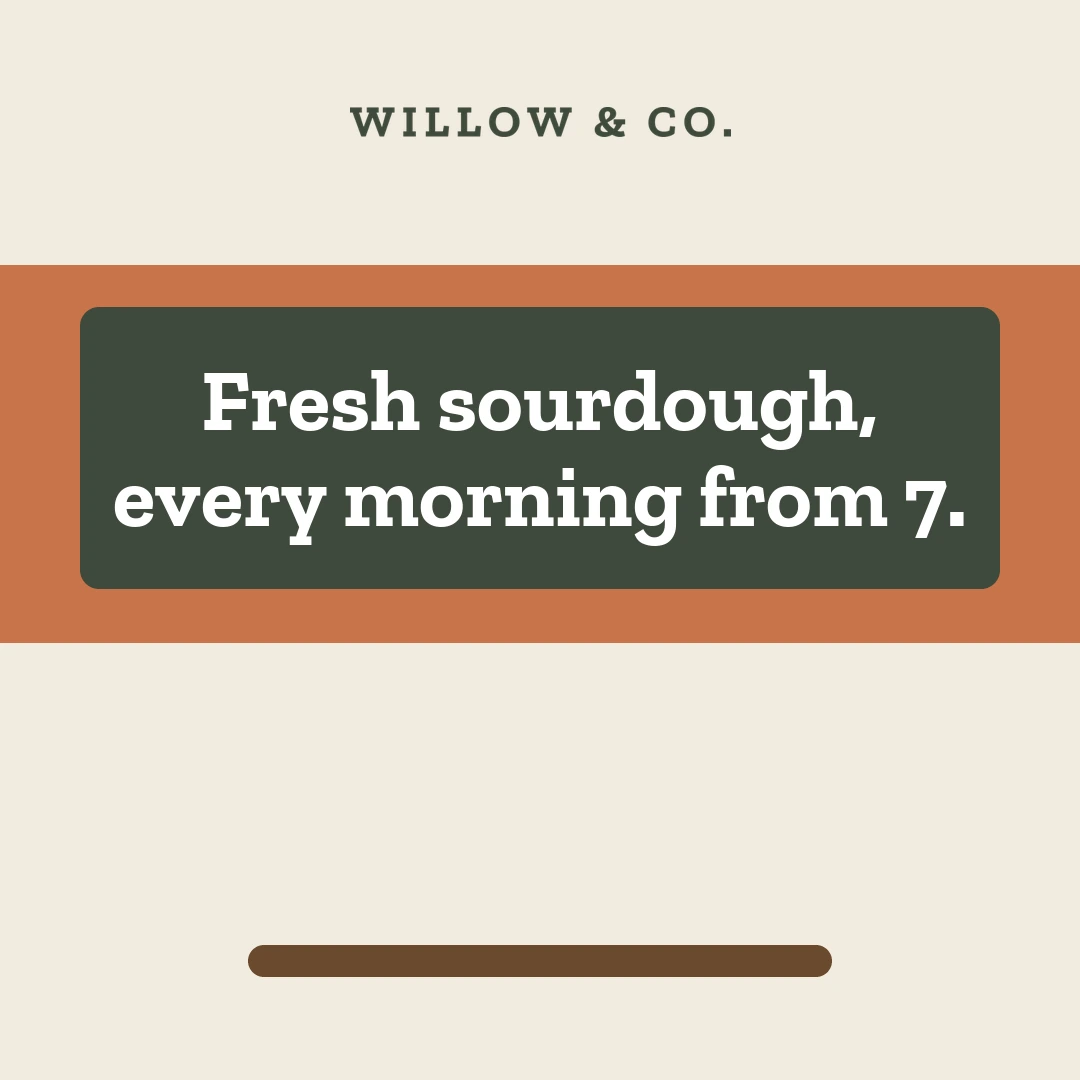 Approved
- Luma Hair StudioHair salon
 Facebook
 Approved
- Northside StrengthGym
 Google Business Profile
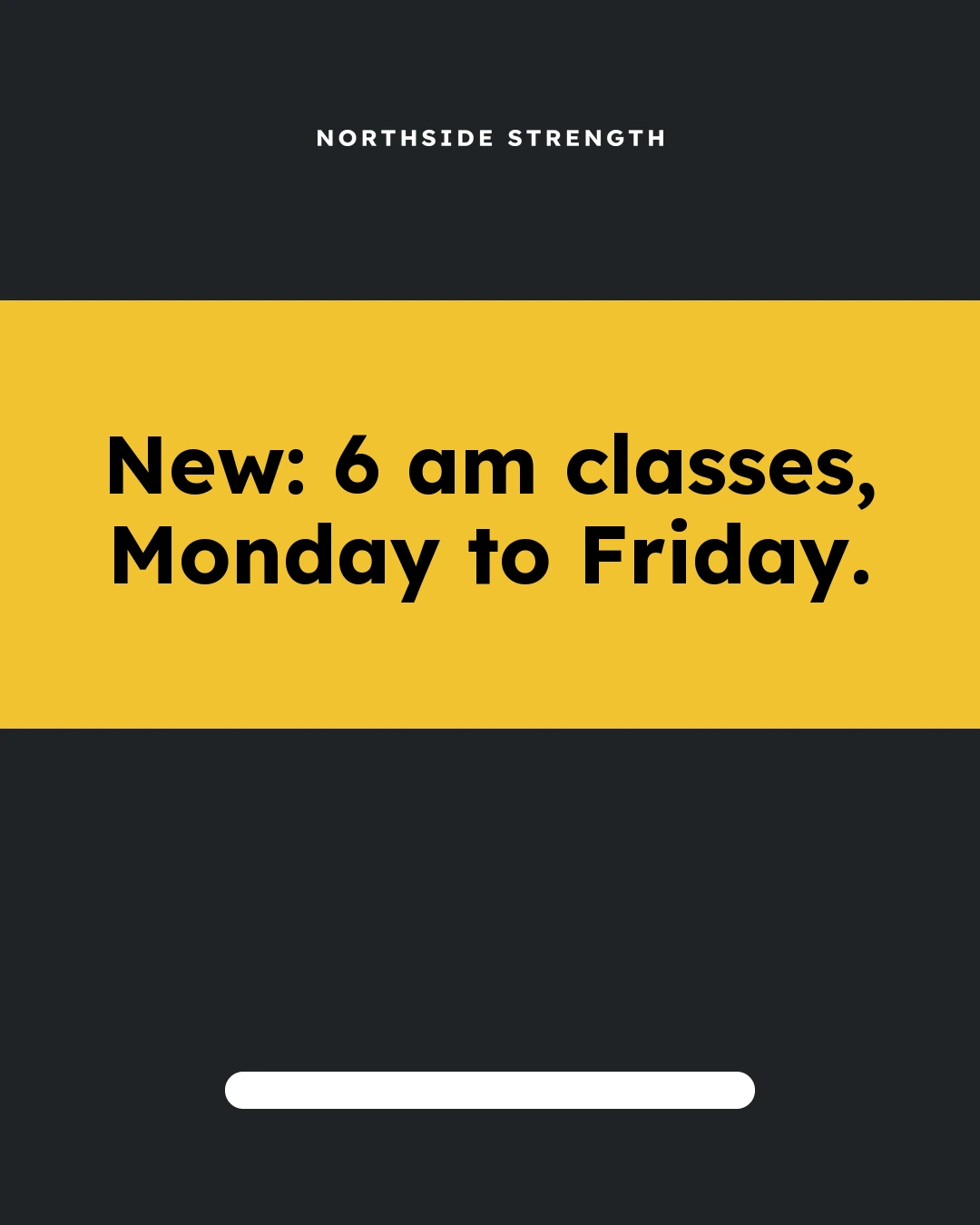 Approved
Setting up
How it works for an agency
We set up each client's workspace with you during onboarding.
One workspace per client
Each client's brand, accounts, posts and approvals live in their own workspace. We test that one workspace can never see another's data.
You join as a teammate
The client's owner invites you to their workspace as an operator, who can approve posts and edit most settings, or as a viewer who can only read.
Accounts connect on a secure page
The client, or you as their operator, connects their accounts on our posting partner's secure page, so we never see a password.
Posts are written in each client's voice
Each workspace can read its client's website, follows its industry pack and the directions you set, and states only facts about the business that have been confirmed.
Publish after approval
Publish approved posts to each client's connected accounts. An edit creates a new version that needs approval again.
Every week
The weekly loop, for each client
Plan
Your week is planned
Three posting days, with topics from your industry, the directions you set and the season.
Every Monday we plan the week after and write its posts for you to review, once one account is connected.
Write
Create your posts
Ask AI to write from confirmed business facts, or bring your own words, photos and videos. Prepare each network's version in the composer and make pictures in Studio.
Approve
You approve it
Check each post on your phone or computer, then approve it, edit it or skip it. Nothing goes out without your approval.
An email telling you the week's posts are ready is not available yet.
Publish
It goes out
Publish approved posts to your connected accounts through our posting partner, Ayrshare.
Report
You see how it went
Open Results for insights from available data and the campaign results you enter. Findings name their sources, and missing post data stays unknown until each network reports it and it has been collected.
The weekly report email is not available yet; open Results in your workspace today.
Approvals
Who approves what
No account changes without an approval, and nothing goes public without one.
- Posts
- The client's owner, any operator, or a teammate the owner names as their approval delegate. An approval covers the exact version shown; any edit needs approving again.
- Autopilot Not available yet
- Off unless the client's owner turns it on, one type of post at a time; nobody else can. It covers only tips, holiday hours and closures, evergreen brand posts, and exact reposts of the client's best posts a person approved, at least 90 days later and at most one a week. It emails a preview of each post at least a day before it goes out, with a link to stop it, and posts at most a few a day (two by default, never more than five). It never covers offers, prices, health or results claims, review replies, ad changes or anything our checks flag. For healthcare, dental, legal and financial businesses it covers only holiday hours and tips that carry a disclaimer.
- Google review replies Not available yet
- Always chosen by the client's owner, from two drafts.
- Ad plans
- Ad plan packs are instructions you or the client follow by hand in Google Ads and Meta Ads Manager. Nothing changes in an ad account automatically.
Agency plan
$79 per client workspace a month
- Minimum 5 workspaces ($395 a month).
- Each workspace gets the Growth plan's allowances: 30 posts, 100 image credits, 120 video credits, 40 agent edit credits and 200 review requests a month, Google Business Profile plus 3 social accounts.
- 10% off from 10 workspaces.
- 20% off from 25 workspaces.
Allowances follow the same status as the plans: see the plan comparison for what isn't available yet.
See how posts work for your clients' industries.