Your AI team
Nine teammates, one job each. You make the final call.
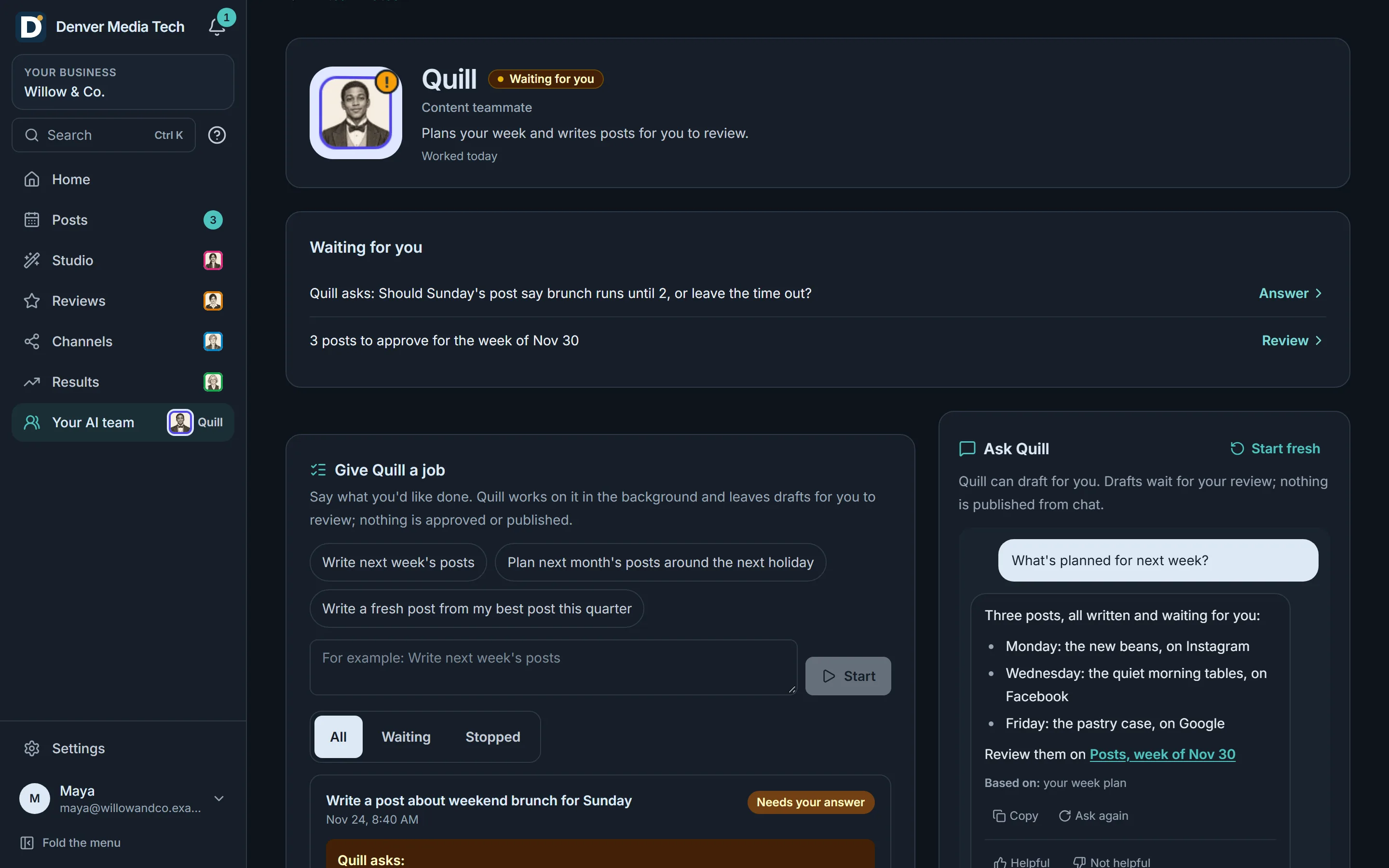
Chat with your team, hand a teammate a job and approve what it drafts. They suggest what to do next and plan each month with you.
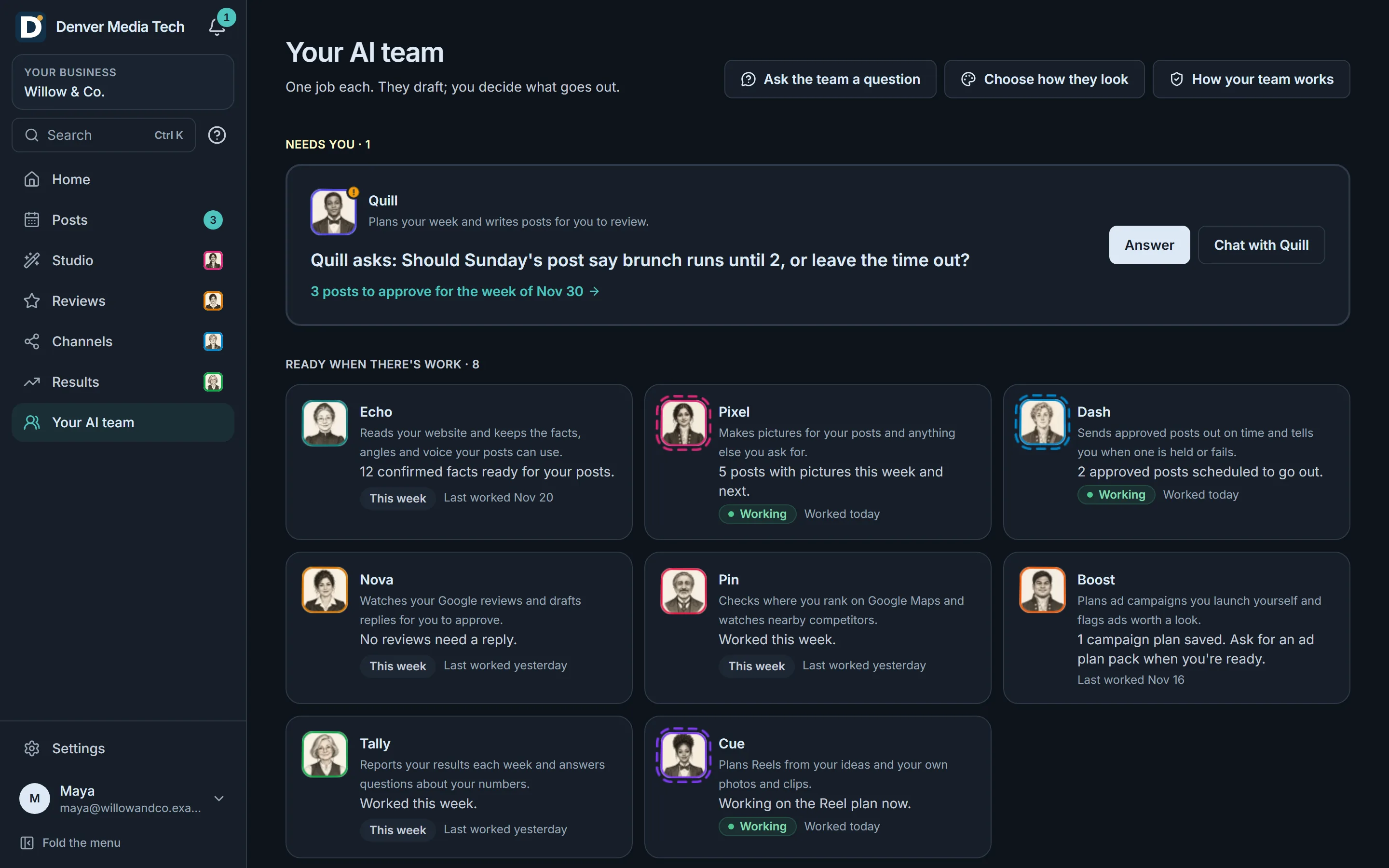
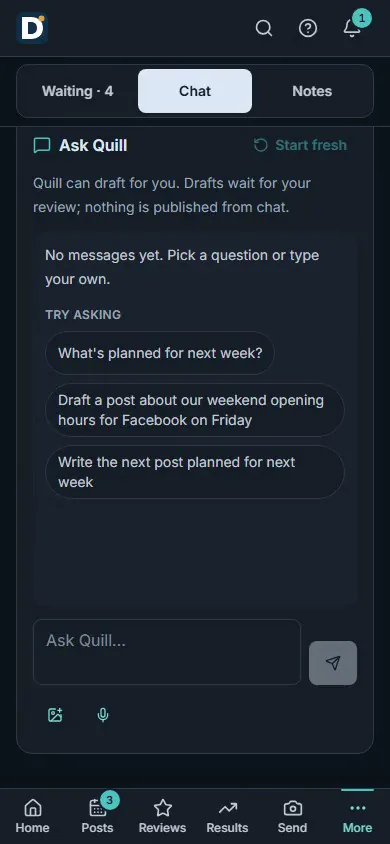
Real product, sample data.
What it does
Ask, hand over, then approve.
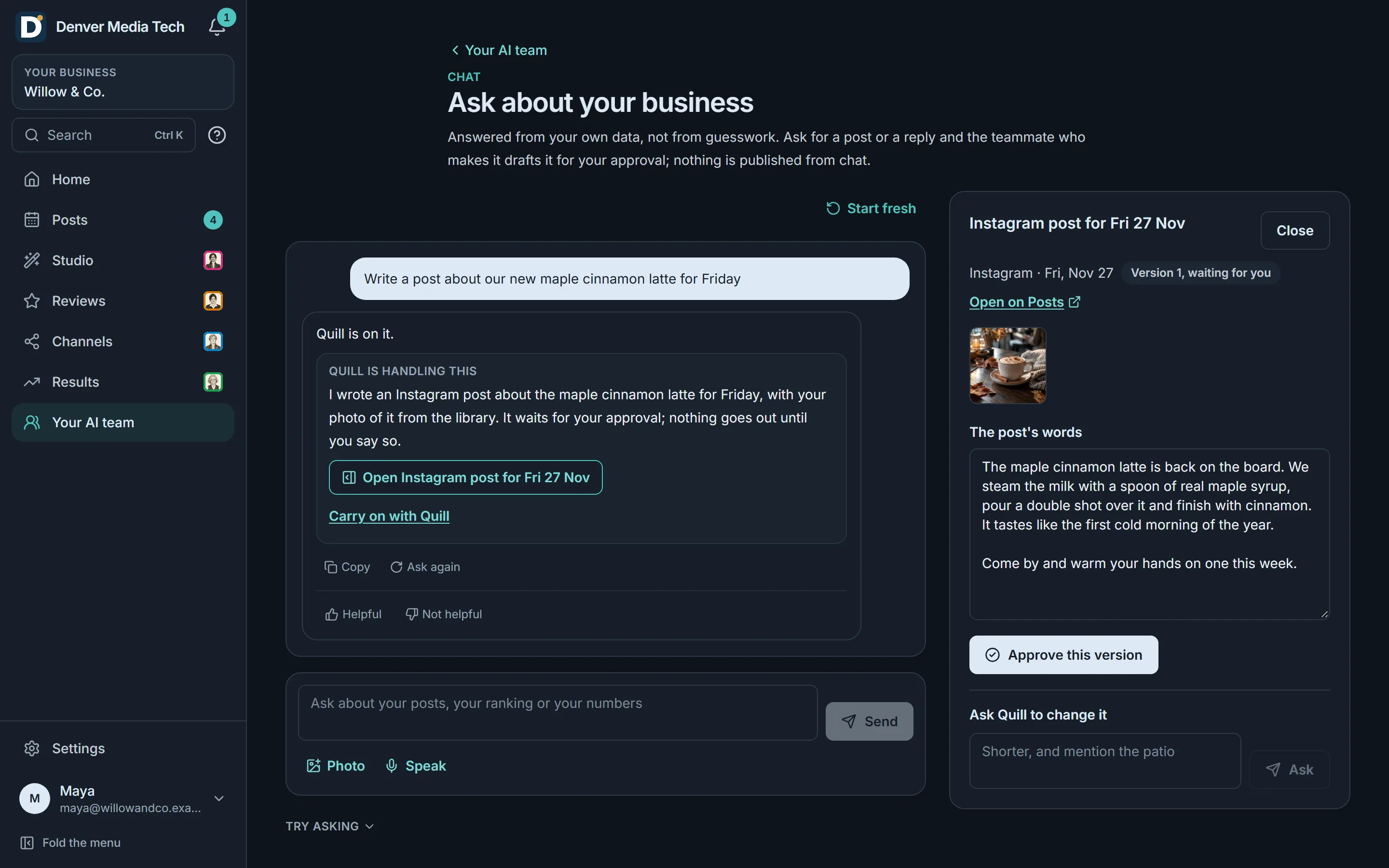
Chat about your business
- Ask about your posts, your ranking or your numbers. Answers come from your own data.
- Ask for a post, and Quill drafts it for you to review.
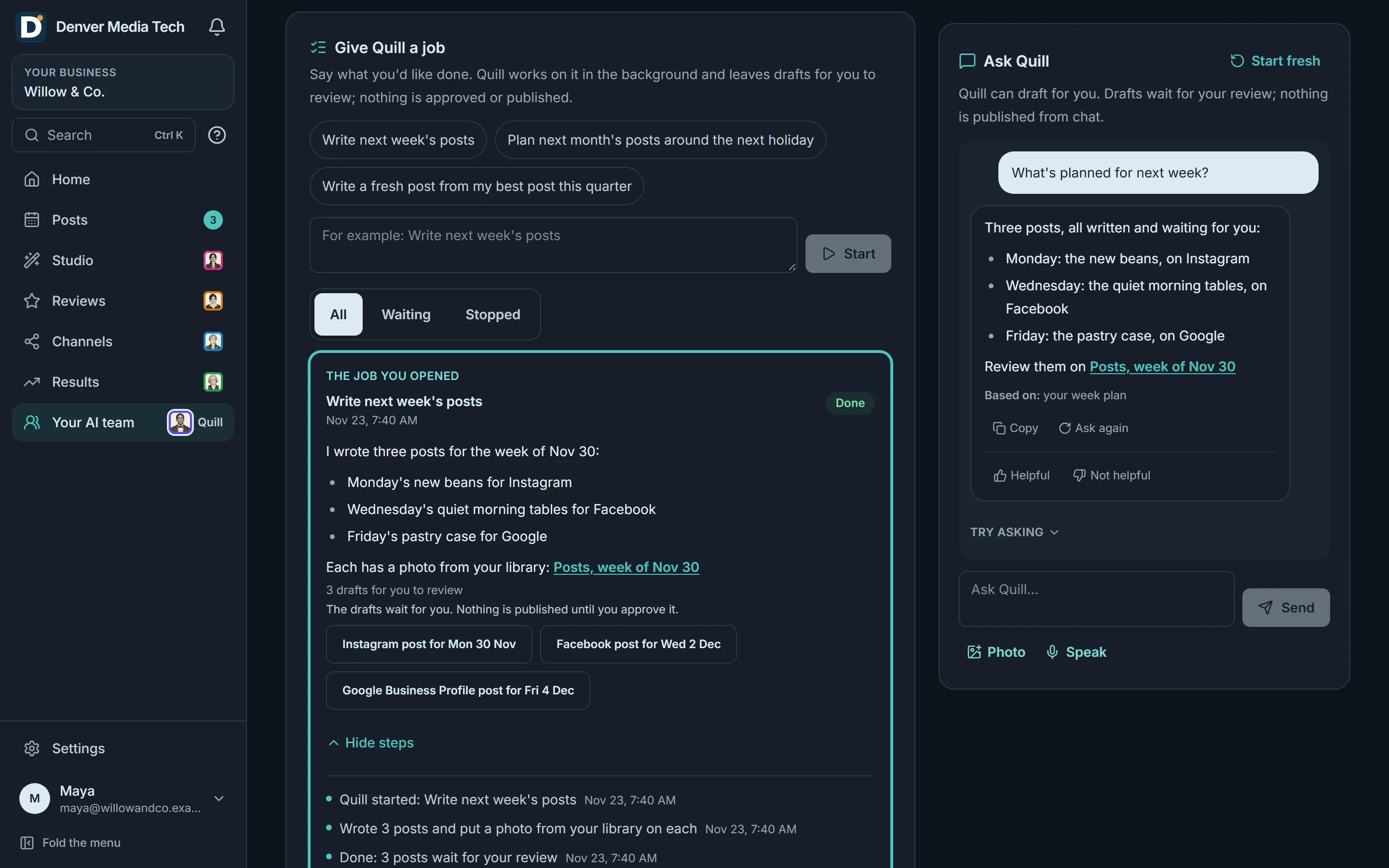
Hand a teammate a job
- Say what you'd like done. The teammate works on it and leaves drafts for you to review.
- See every step it took, and every draft it made.
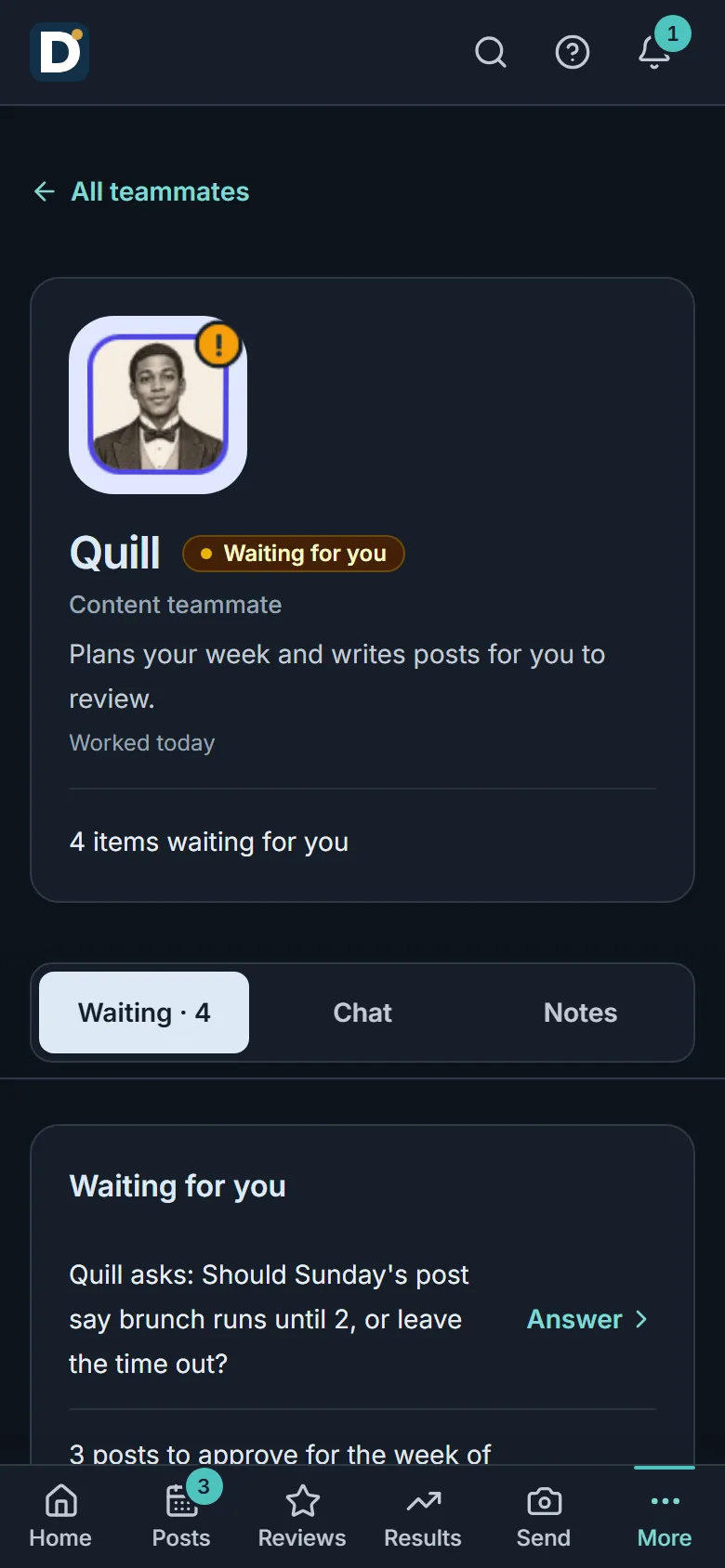
Questions and suggestions
- When a teammate needs a decision, it asks you and waits for your answer.
- Your team suggests what to do next. Nothing starts until you say so.
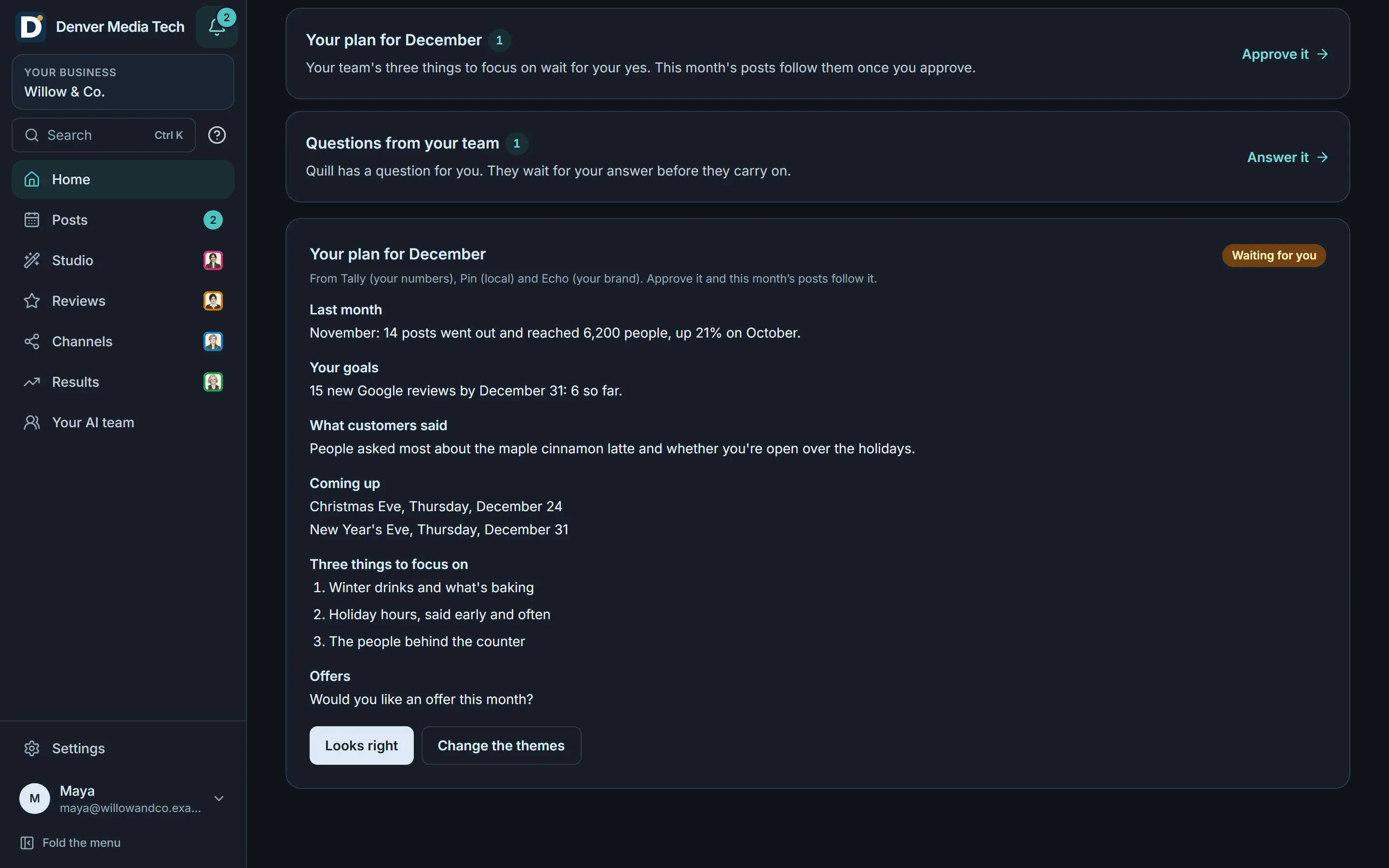
A plan for each month
- Each month your team brings last month's numbers, what's coming up and three things to focus on.
- Say it looks right, or change the themes. The month's posts follow the plan you approve.
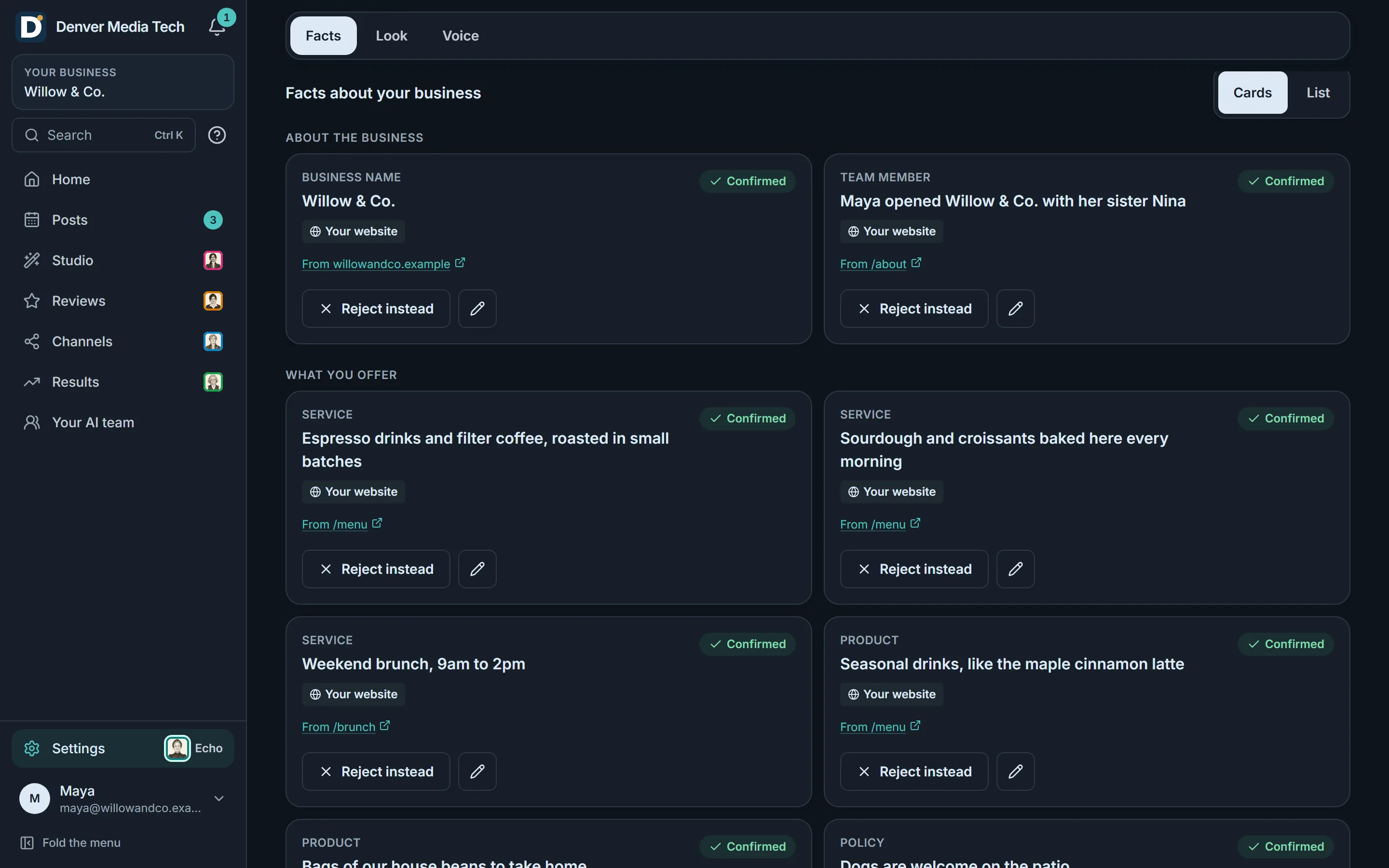
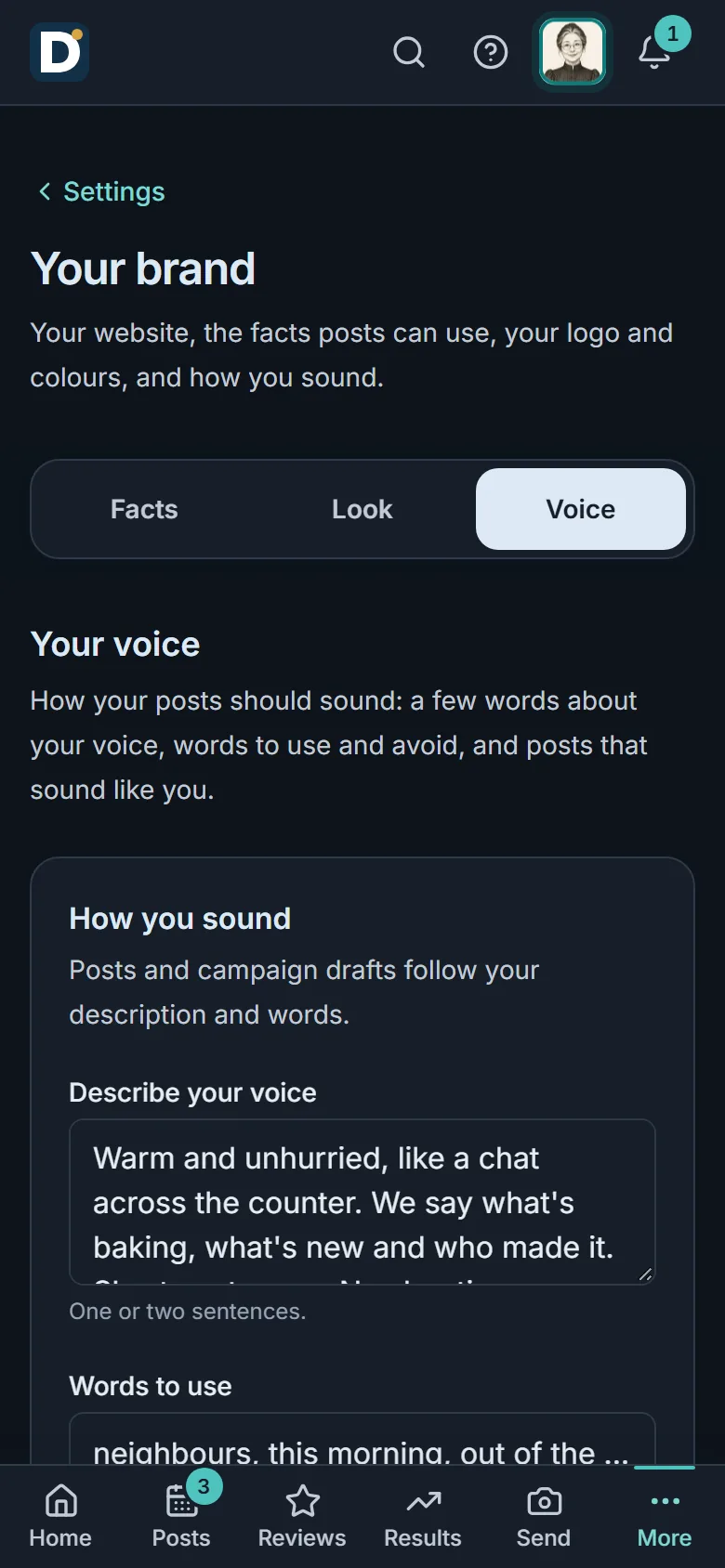
What your team knows
- We read your website for your business facts and your voice.
- See the facts your team works from, each with where it came from, and correct anything that isn't right.
Meet the team
Nine teammates. Each with one job.

Echo Brand
Reads your website and keeps the facts, angles and voice your posts can use.

Quill Content
Plans your week and writes posts for you to review.

Pixel Creative
Makes pictures for your posts and anything else you ask for.

Cue Video
Plans Reels from your ideas and your own photos and clips.

Dash Publisher
Sends approved posts out on time and tells you when one is held or fails.

Nova Reviews
Watches your Google reviews and drafts replies for you to approve.
Not available yet
Pin Local
Checks where you rank on Google Maps and watches nearby competitors.

Boost Ads
Plans ad campaigns, with budgets and copy, that you launch yourself.

Tally Analyst
Explains your results in plain words and answers questions about your numbers.
Teammates are AI agents, drawn as characters. Every draft waits for you.
You stay in control
Teammates draft. They never publish or change an account by themselves. A job ends in drafts that wait for your review, a suggestion starts only when you say so, and nothing goes out until you approve it.
Can a teammate post or change my accounts?
No. Teammates draft, and no teammate changes an account by itself. Posts go out only after you approve them.
Are the teammates people?
No. They are AI agents, each with one job and a name, drawn as characters. You can chat with any of them.
Where do the drafts go?
Posts wait on your Posts page, pictures in your library and Reels in Your Reels. Each one waits for you to review it.
Get started
See it with your business. You approve what goes out.
Sign in with Google and follow the guided setup. Every post waits for your approval.