Posts and calendar
Posts in your voice. Published when you say so.
Next week's posts are planned and written every Monday. Ask for one any time, or write your own. You approve each post before it goes out.
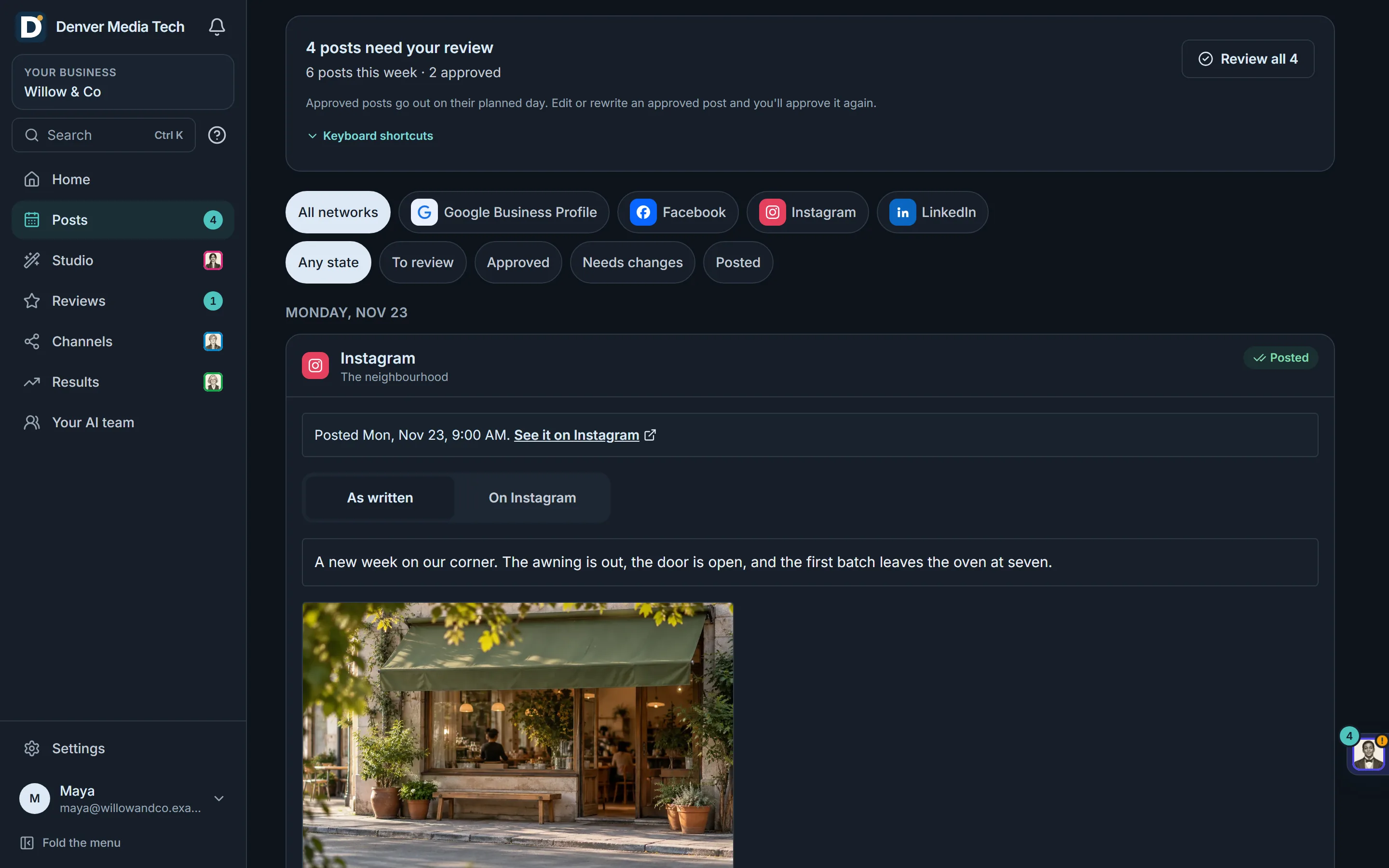
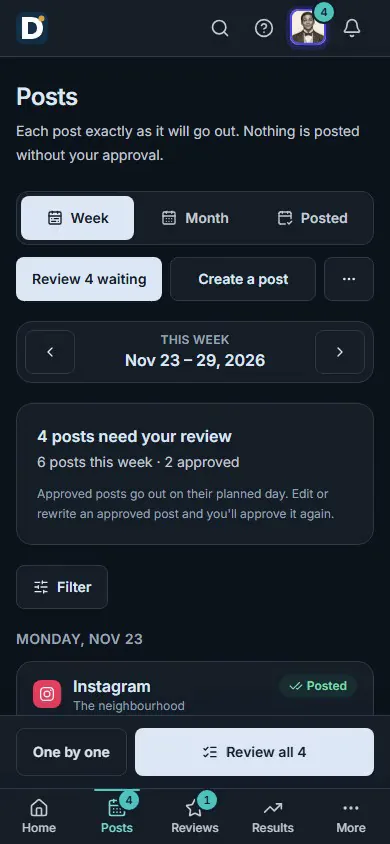
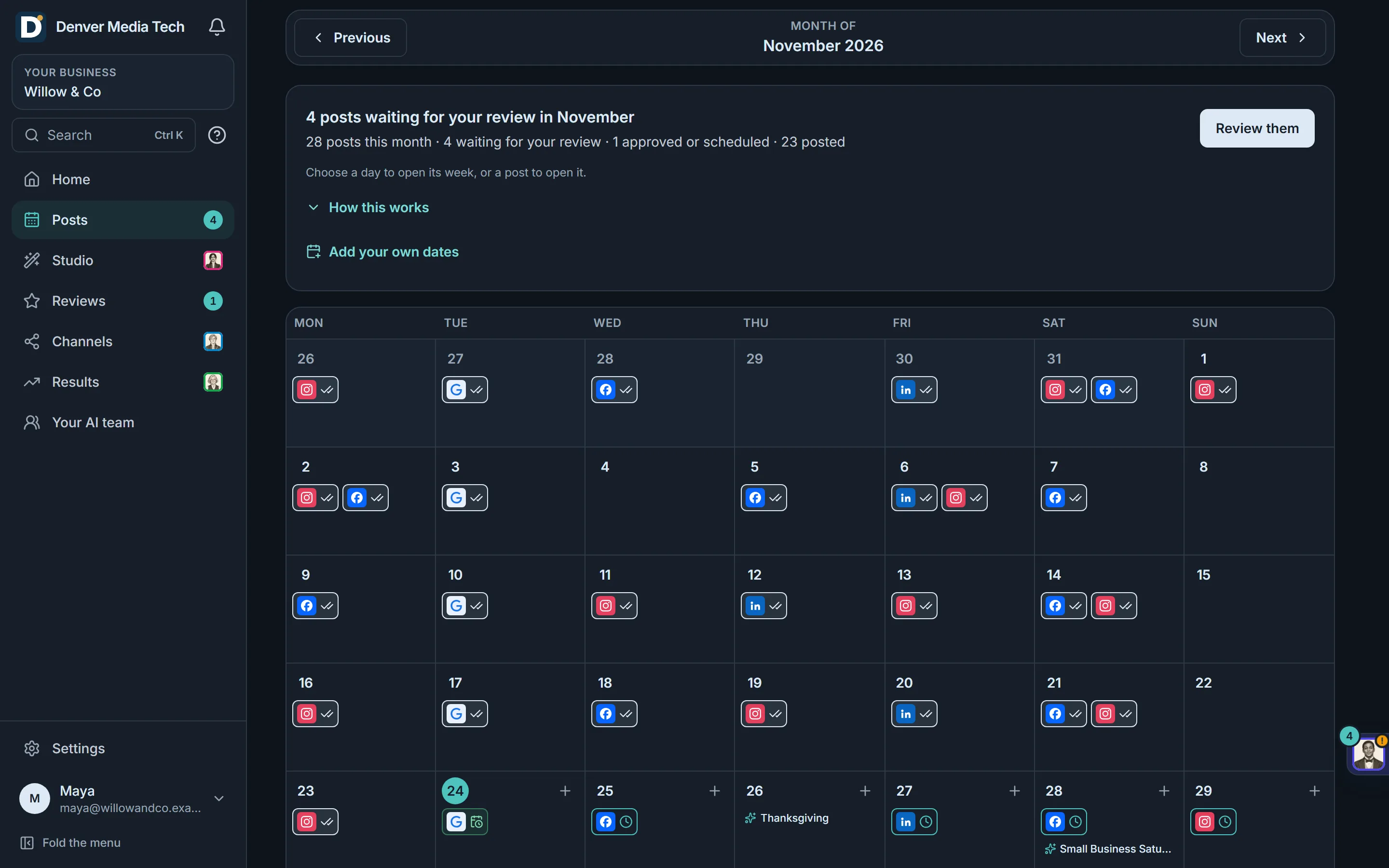
Real product, sample data.
What it does
From a blank week to posts on your accounts.
Planned and written every Monday
- Each Monday the team plans next week and writes its posts.
- Posts are written in your voice, from facts about your business you have confirmed.
- It starts once you have connected one account.
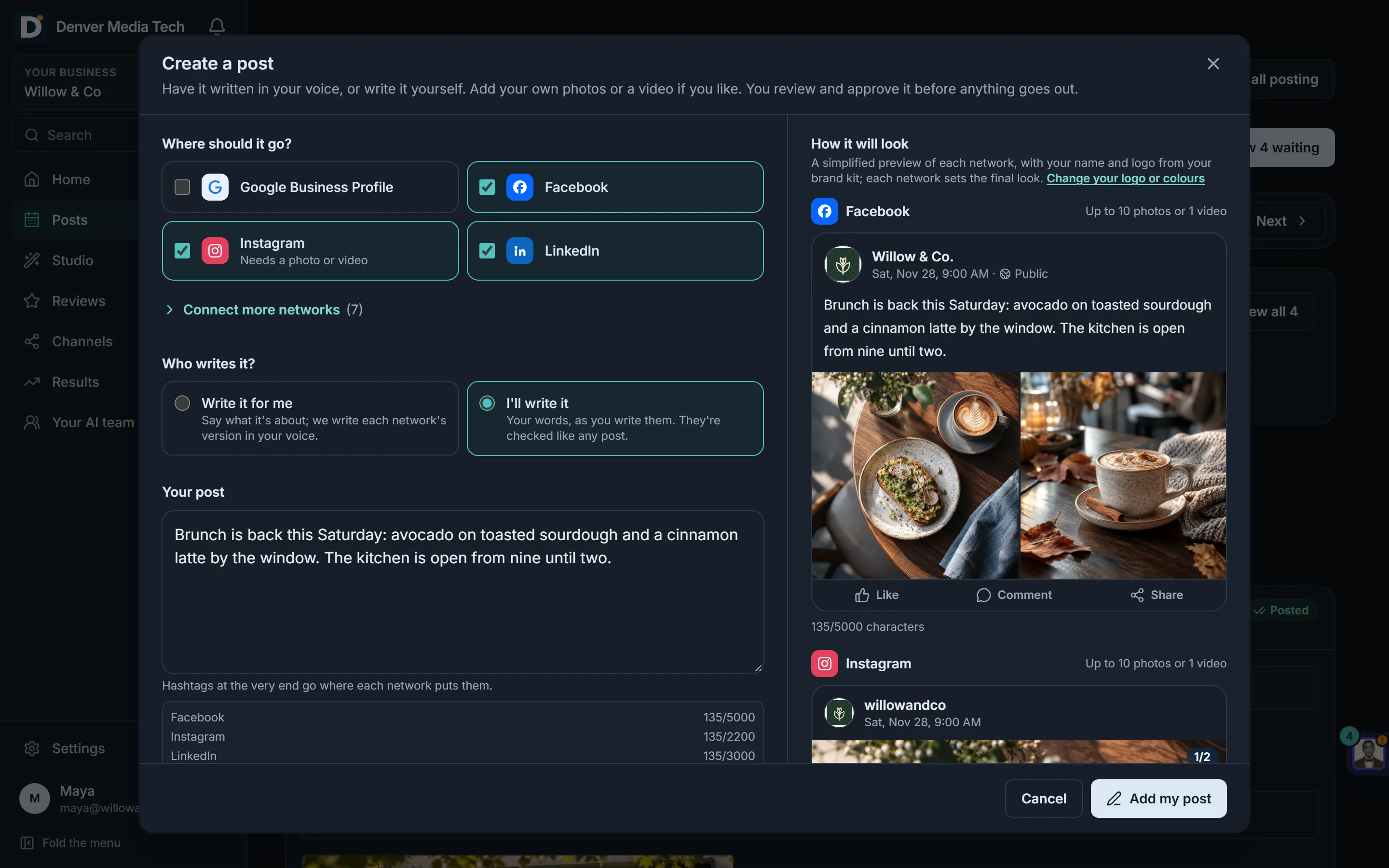
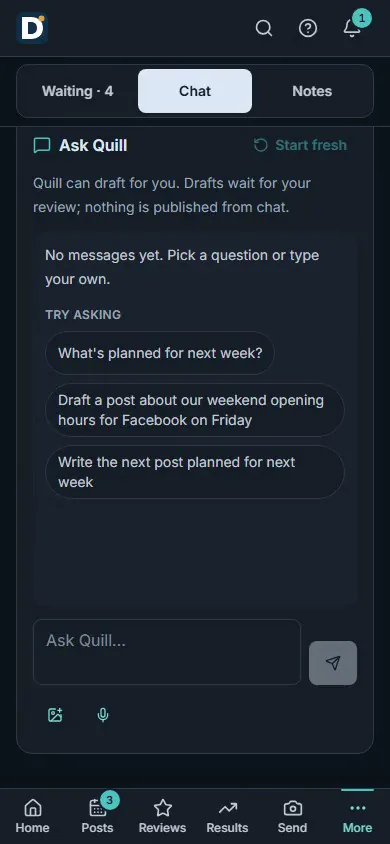
Ask for a post, or write it yourself
- Ask in a sentence, like a post about the new latte for Friday. The draft opens for you to review.
- Or write it yourself, with your own photos or a video.
- Choose the networks, and when it goes out.
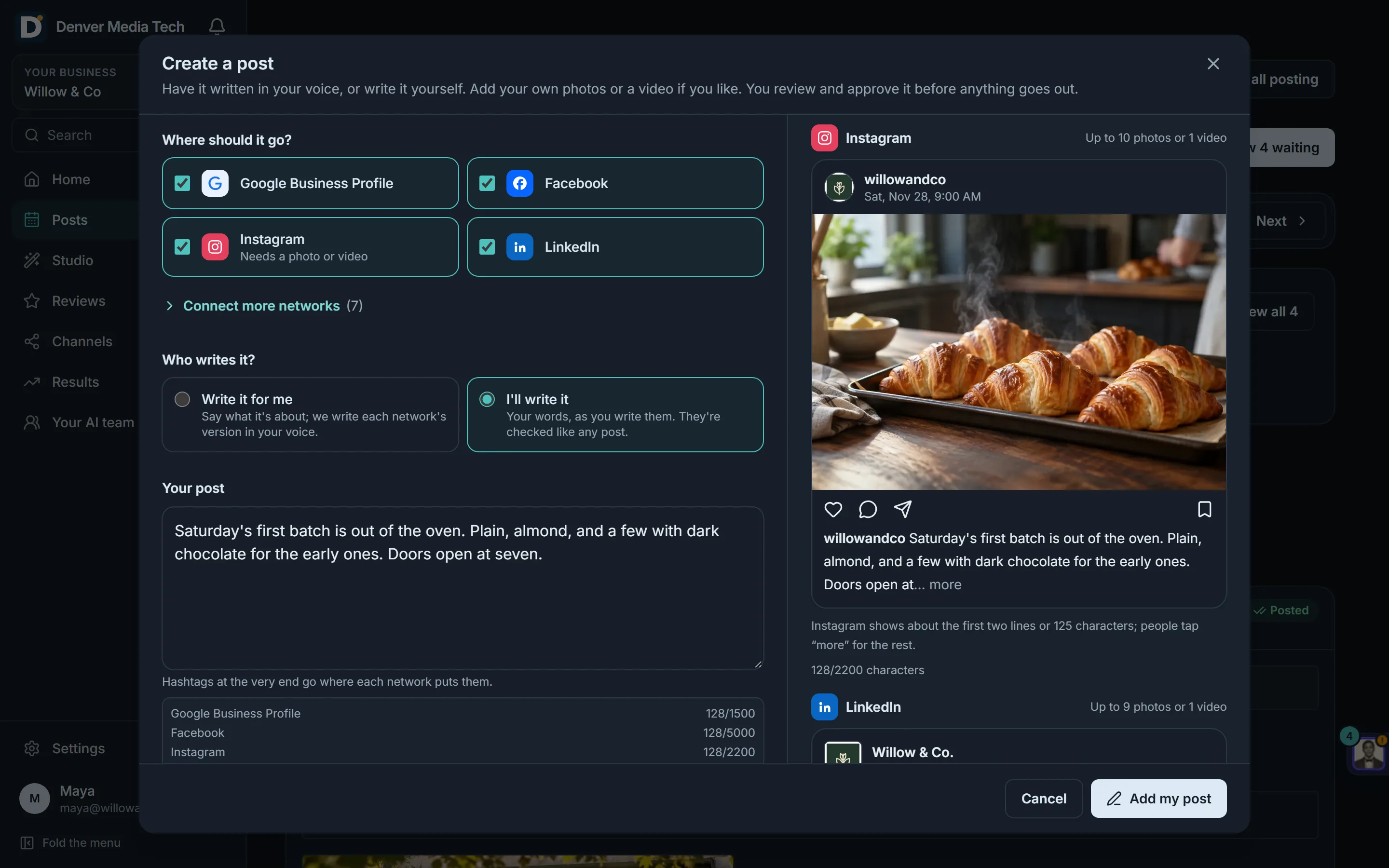
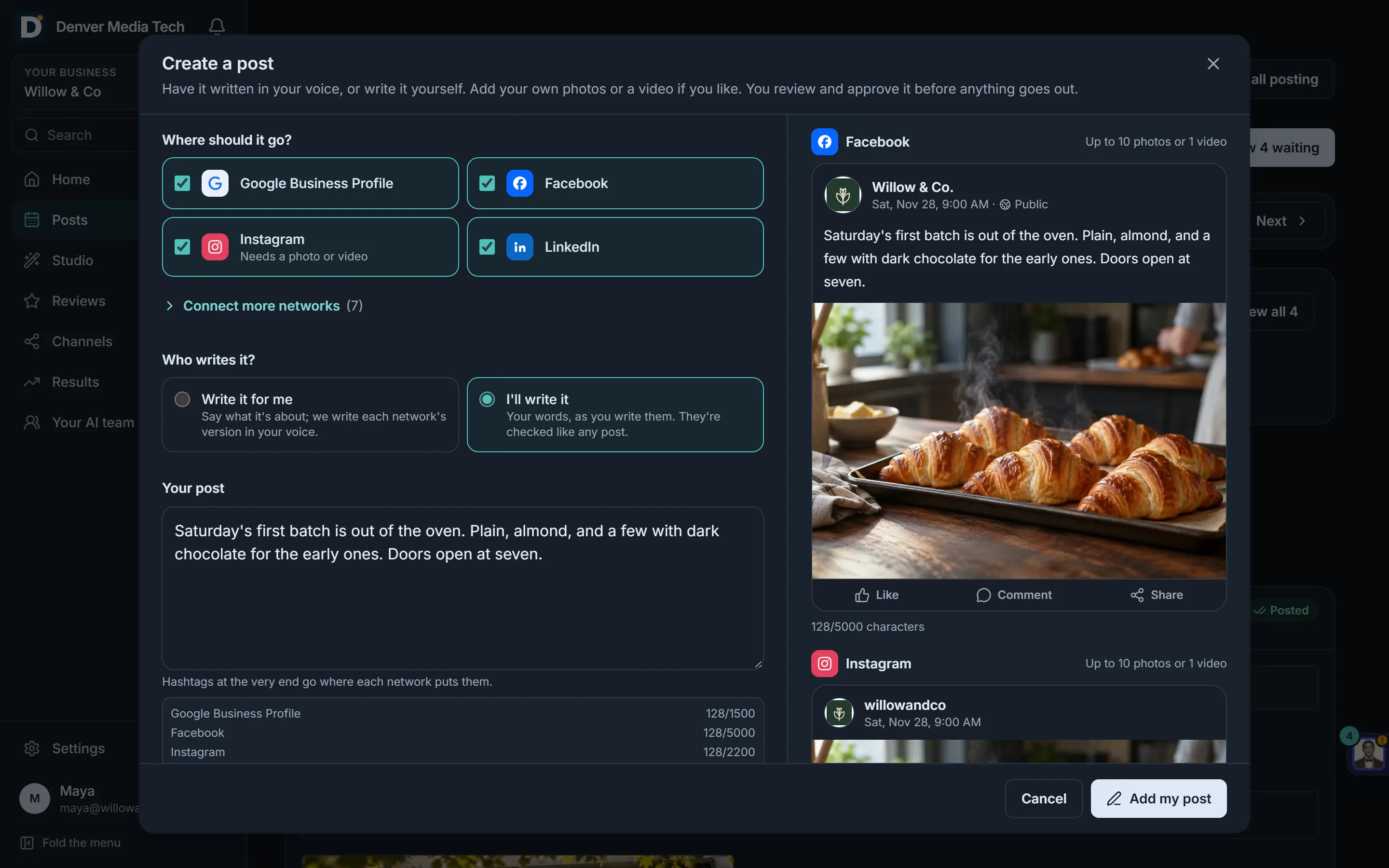
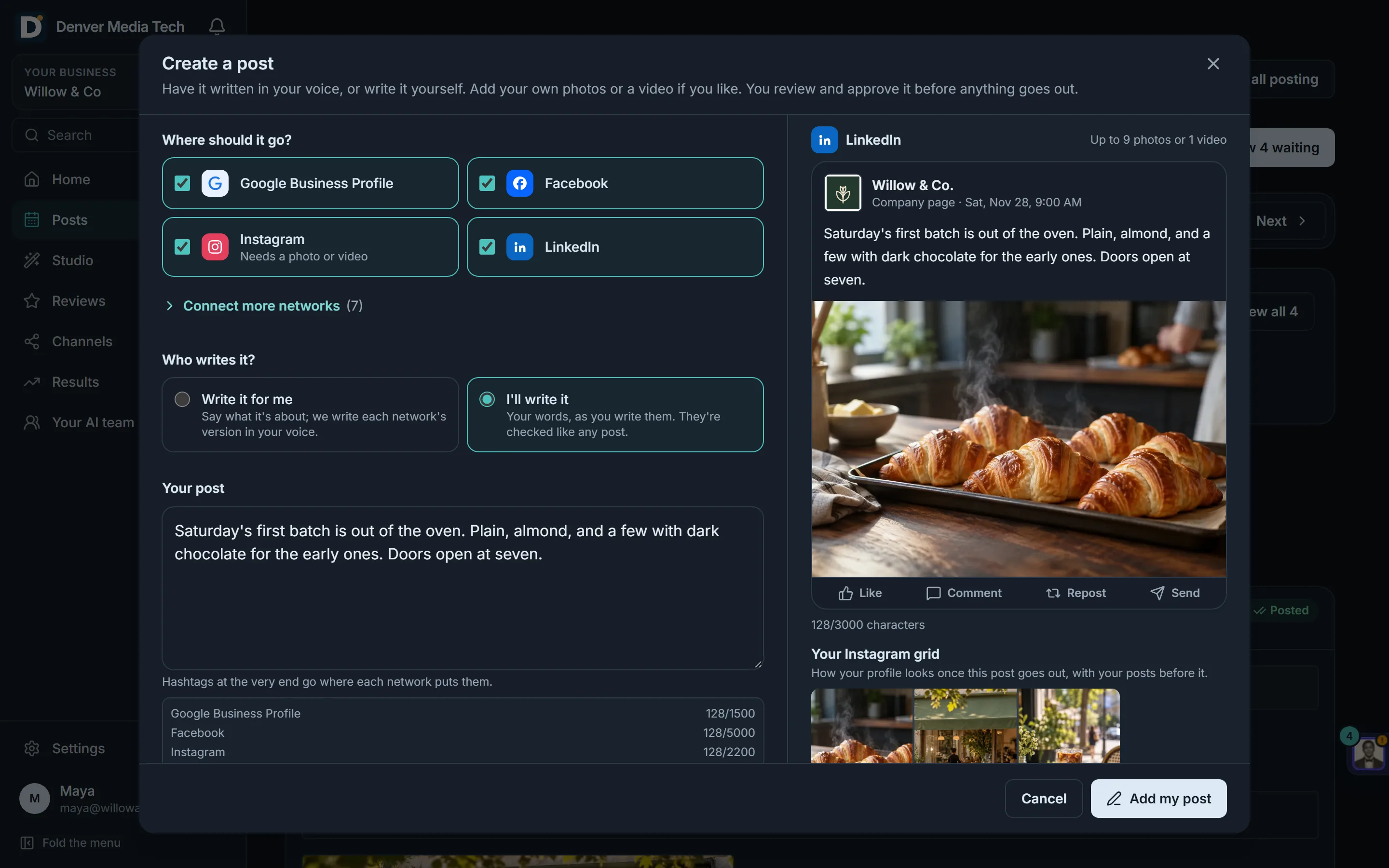
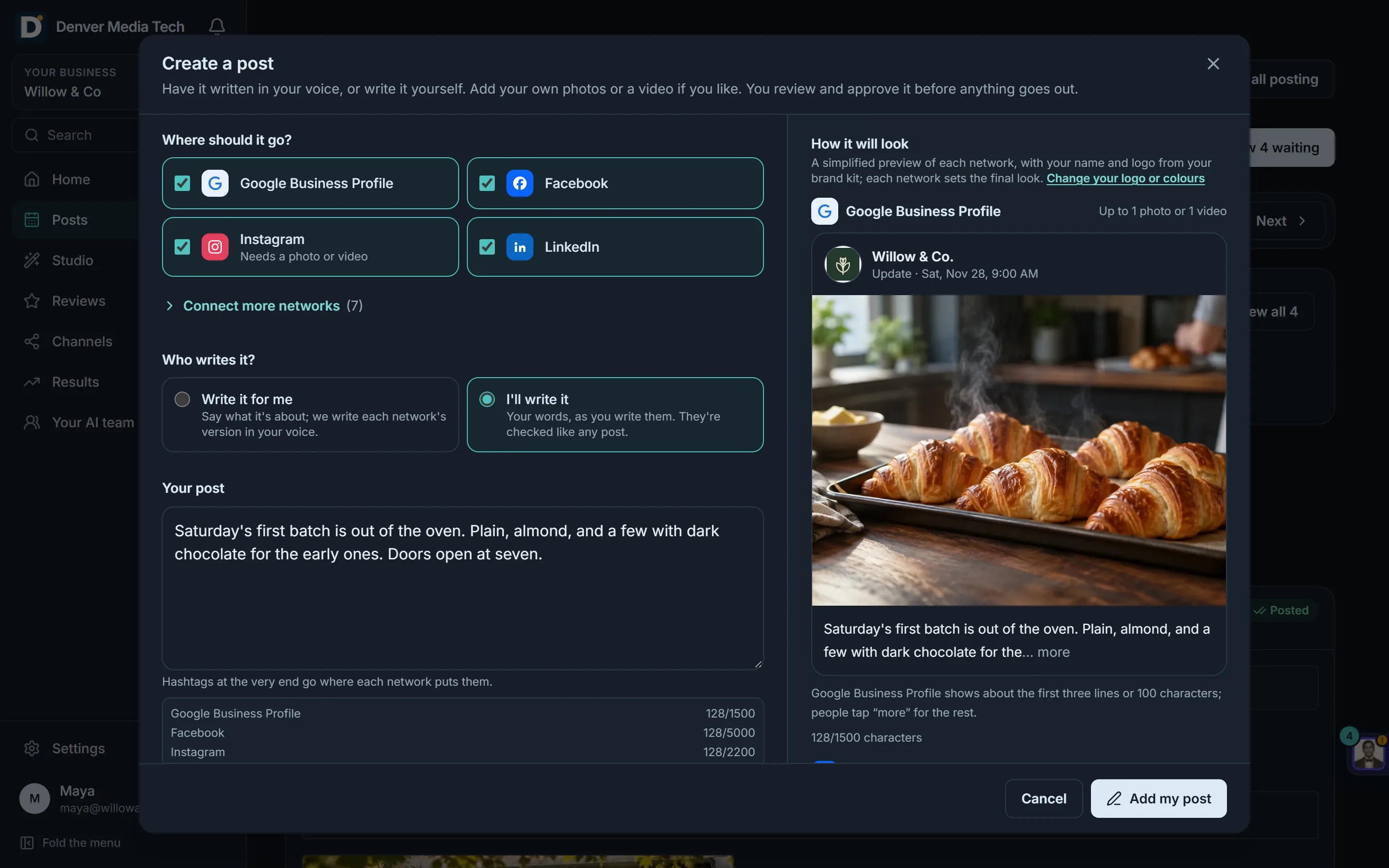
See it the way each network will
- A preview for each network, with the words cut where that network cuts them.
- See your Instagram grid with the new post in place.
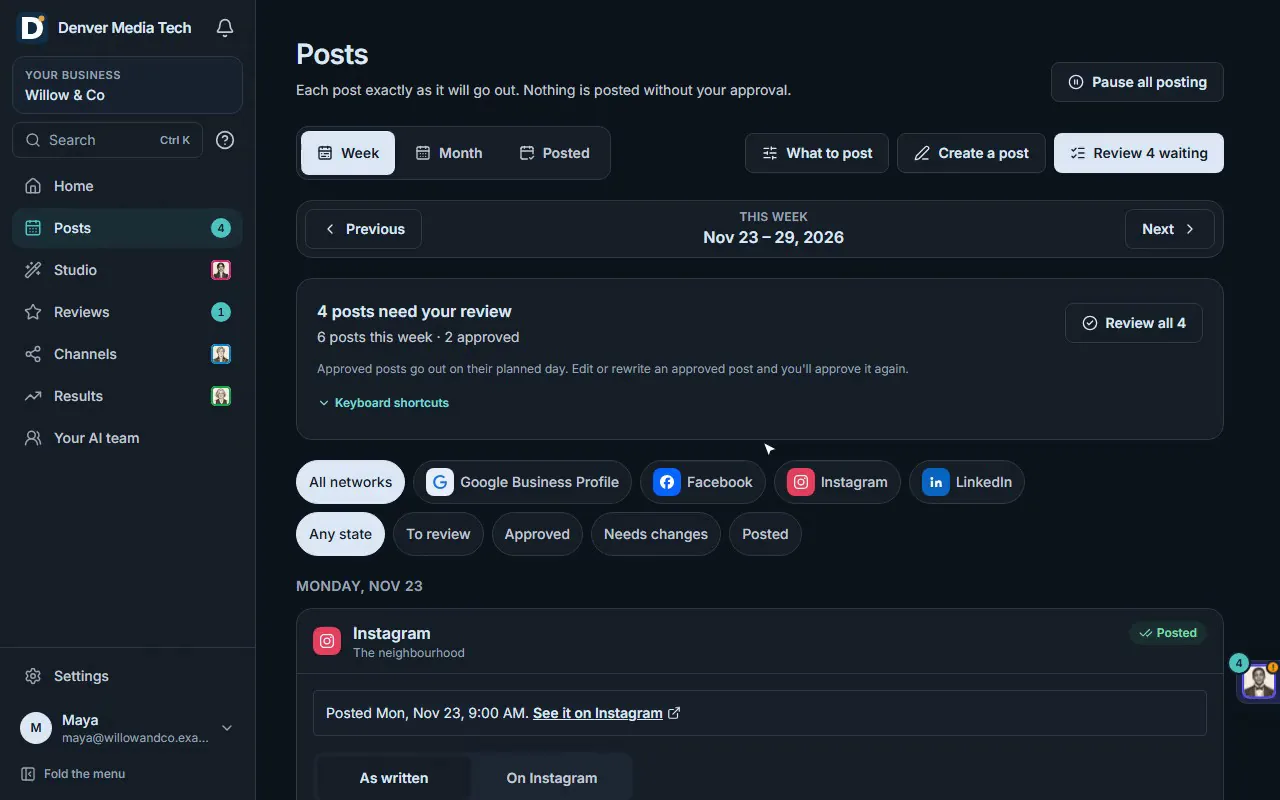
Your week, and your month
- See the week or the whole month, every post on its day.
- Move a post to another day or time. An approved post you move needs approving again.
- Holidays show on the month, so you can plan around them.
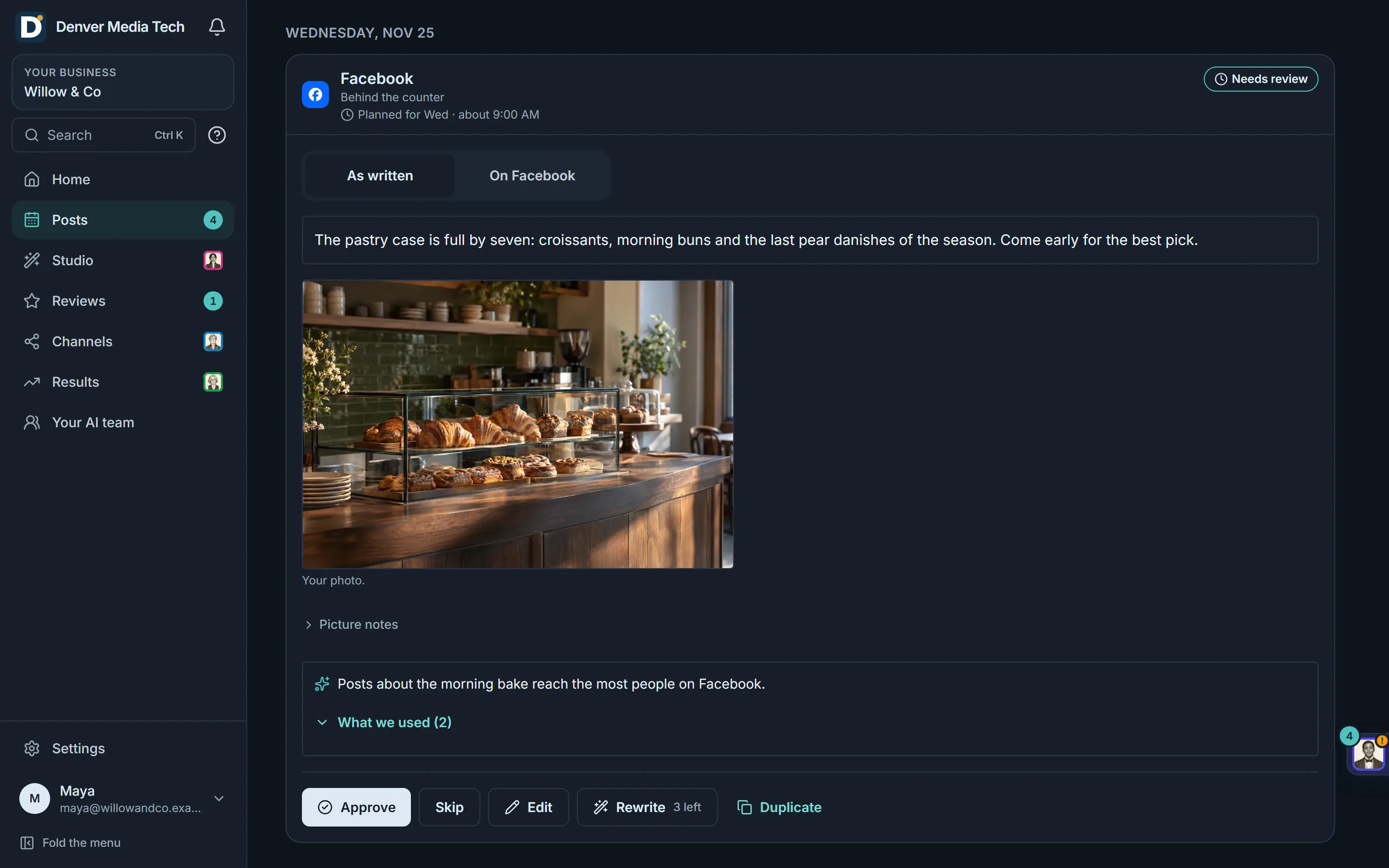
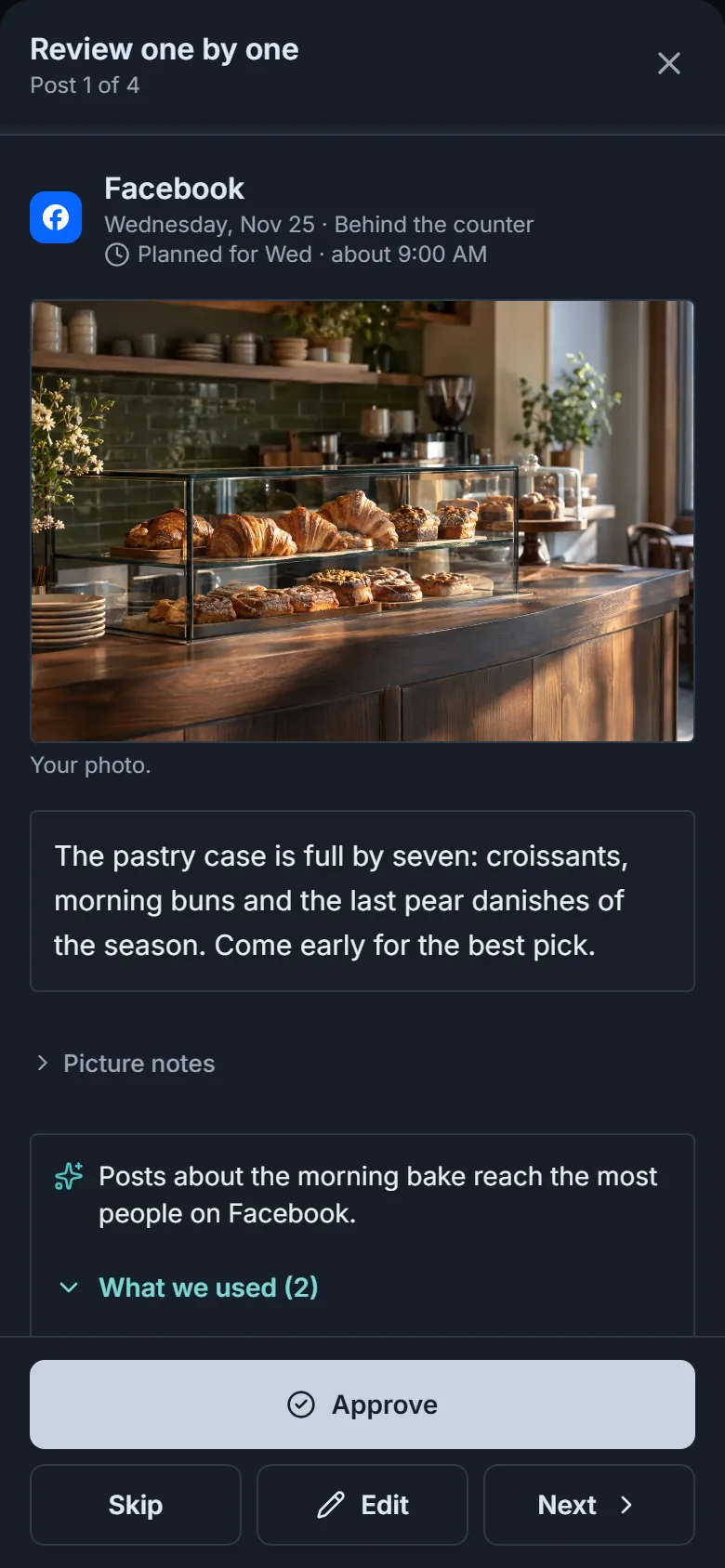
You approve it, then it's published
- Approve, skip, edit or rewrite each post, on your phone or your computer.
- Your approval covers the version you saw. Change a word and it needs approving again.
- Approved posts are published to your accounts through our posting partner, Ayrshare.
Where posts go
Four networks first. Seven more to connect.
You connect each account on a secure page run by our posting partner, Ayrshare, so we never see your passwords.
- Google Business Profile
- InstagramPosts need a photo or video.


Also supported
- Threads
- Bluesky
- TelegramPosts go to the channel you link.
- RedditOnly posts you create yourself, with your own community and title. Never planned for you.
- PinterestJoins your weekly plans once connected, with a picture we draw on each pin. Or add your own photo.
- YouTubeYour own video and title. Private by default.
- SnapchatJoins your weekly plans once connected, with a picture we draw on each post. Or add your own photo or portrait video.


You stay in control
Nothing is published until you approve it. Your approval covers the exact version you saw: change a word or the picture and it needs approving again. Move an approved post to a new time, and it waits for your approval again.
Which networks can I post to?
Google Business Profile, Facebook, Instagram and LinkedIn first, and you can also connect Threads, Bluesky, Telegram, Reddit, Pinterest, YouTube and Snapchat. On Instagram: posts need a photo or video. You connect each account on a secure page run by our posting partner, Ayrshare, so we never see your passwords.
What if I change a post after approving it?
It needs approving again. An approval covers the exact version you saw, so what goes out is what you approved. "Approve all" approves only the posts on your screen.
Do I have to wait for Monday?
No. Ask for a post any time, or write one yourself with your own photos or a video. The Monday run plans the week ahead once you have connected an account.
Get started
See it with your business. You approve what goes out.
Sign in with Google and follow the guided setup. Every post waits for your approval.